DevDash

For solo developers and small teams

Your day is a list of issues. Work through it on one screen.

DevDash brings your tickets, pull requests, agent runs, releases and production alerts together, per project. The interface is a website; your data, credentials and processes stay in a small service on your Mac.

curl -fsSL https://devdash.pro/install.sh | sh

Installs to ~/.devdash/bin without sudo, starts at login, and opens the app already paired.

Chapter 1 · The daily issues

You are the whole team, or one of three. Every day is the same pile.

There is no platform group, no release manager, no one on call but you. So the day is made of small issues, and each one lives in a different tool.

  1. Which tickets are mine today?

    Jira in one tab, the board in another, a note from yesterday in a third.

    Jira
  2. A review has been waiting since yesterday.

    The notification scrolled away. Bitbucket doesn’t know about the ticket’s status.

    BitbucketSlack
  3. Start the ticket.

    Branch, worktree, install, find the old discussion, ask an agent for a first pass.

    GitTerminalClaude
  4. Is Thursday’s release really merged?

    Three repositories, one spreadsheet, and a checklist nobody confirms.

    SheetGitDocs
  5. Production alert.

    Error rate is up. Sentry says one thing, New Relic another, the logs a third.

    SentryNew RelicLogs
  6. Hand over what you know.

    A colleague needs the setup. You paste tokens into yet another tool.

    ChatWiki

Chapter 2 · DevDash

Fourteen tabs become one screen.

DevDash syncs what your tools already know into a local service, and reads it back in one interface. Nothing new to maintain: connect your accounts, and the day sorts itself.

Integrations
11

Jira, Bitbucket, GitHub, GitLab, Sentry, New Relic, Cloudflare, Kubernetes, Slack, SQL and Snowflake.

Coding agents
2

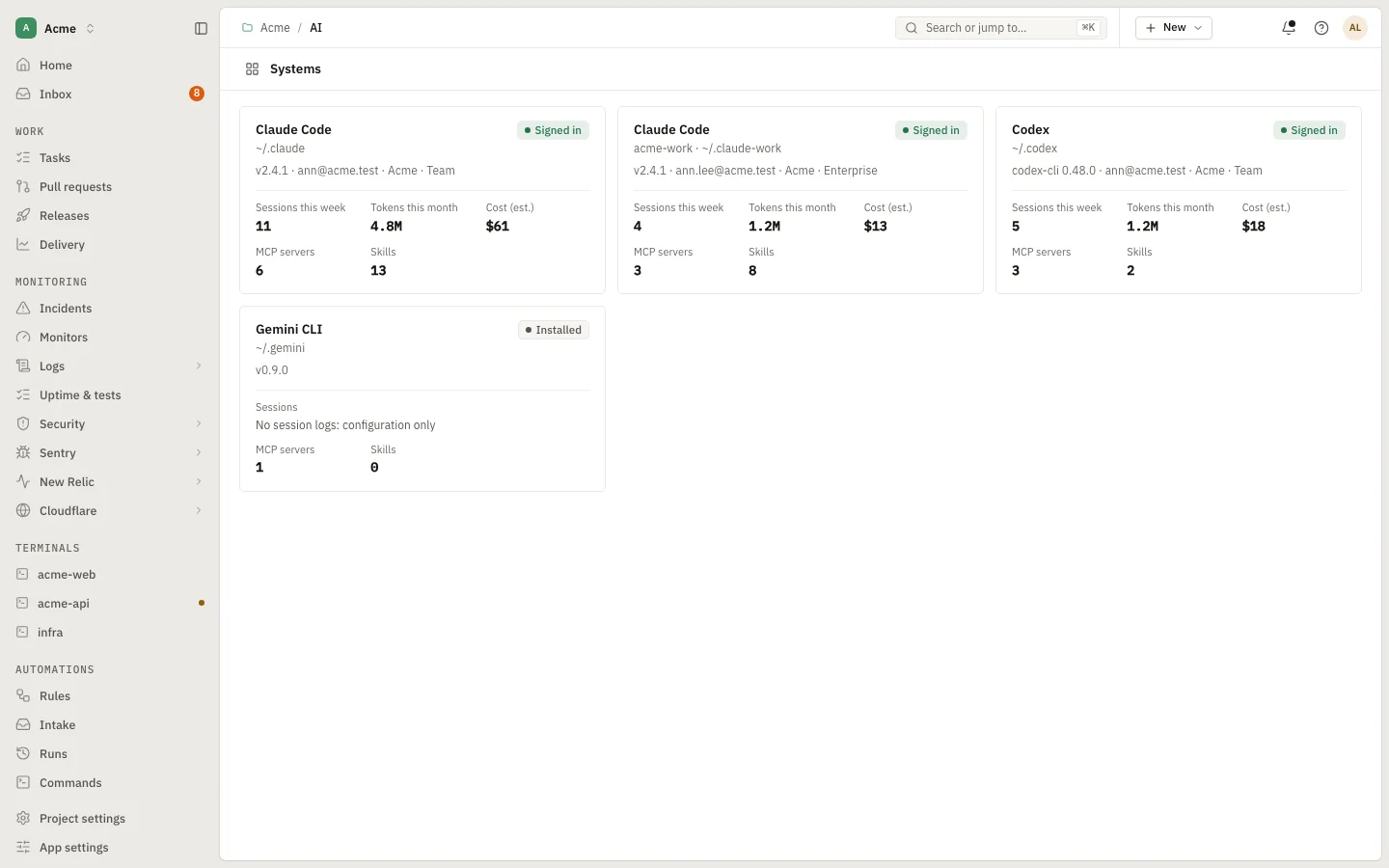
Claude Code and Codex, each in its own git worktree, under your own account.

DevDash servers holding your data
0

The service, the data and the credentials live on your Mac. The site is static files.

To get anywhere
⌘K

One palette for every page and action; G then a letter jumps to a page.

Chapter 3 · The solutions we offer

Every issue of the day, with the screen that answers it.

These are real screens of the app, from the demo with its fictional company. Click a screen to enlarge it, or open any of them live.

08:40Morning · the issue

“What actually needs me today?”

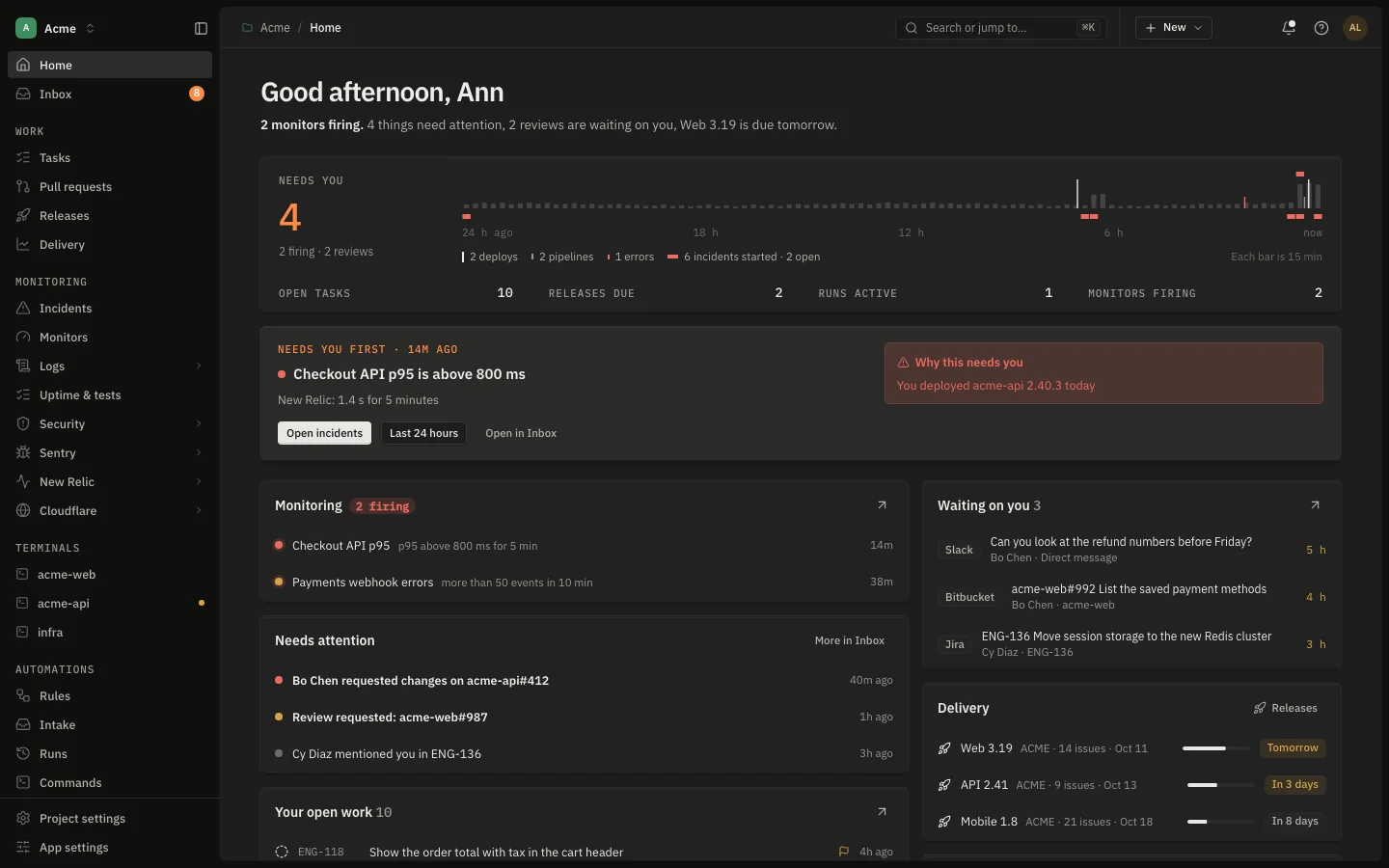
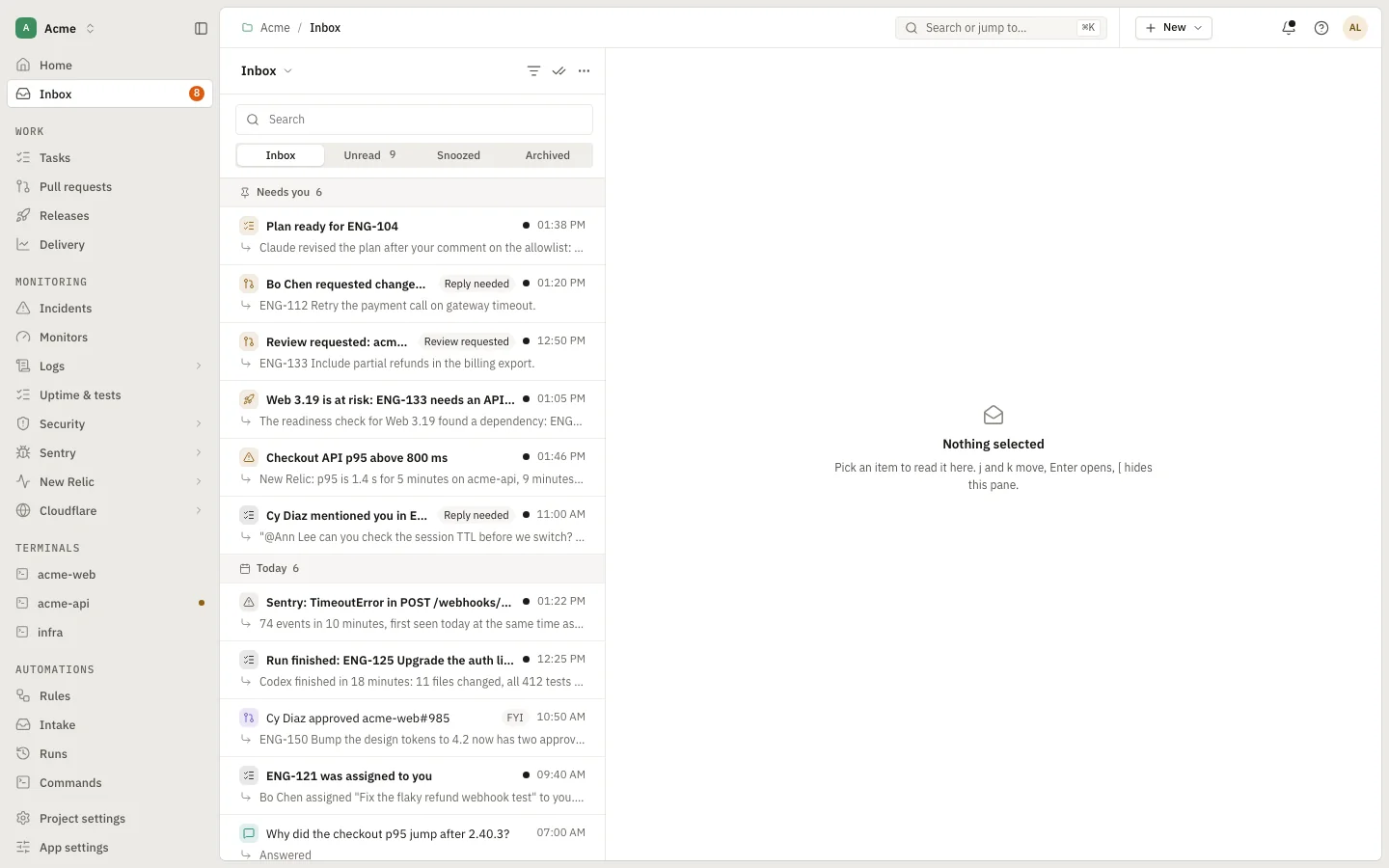
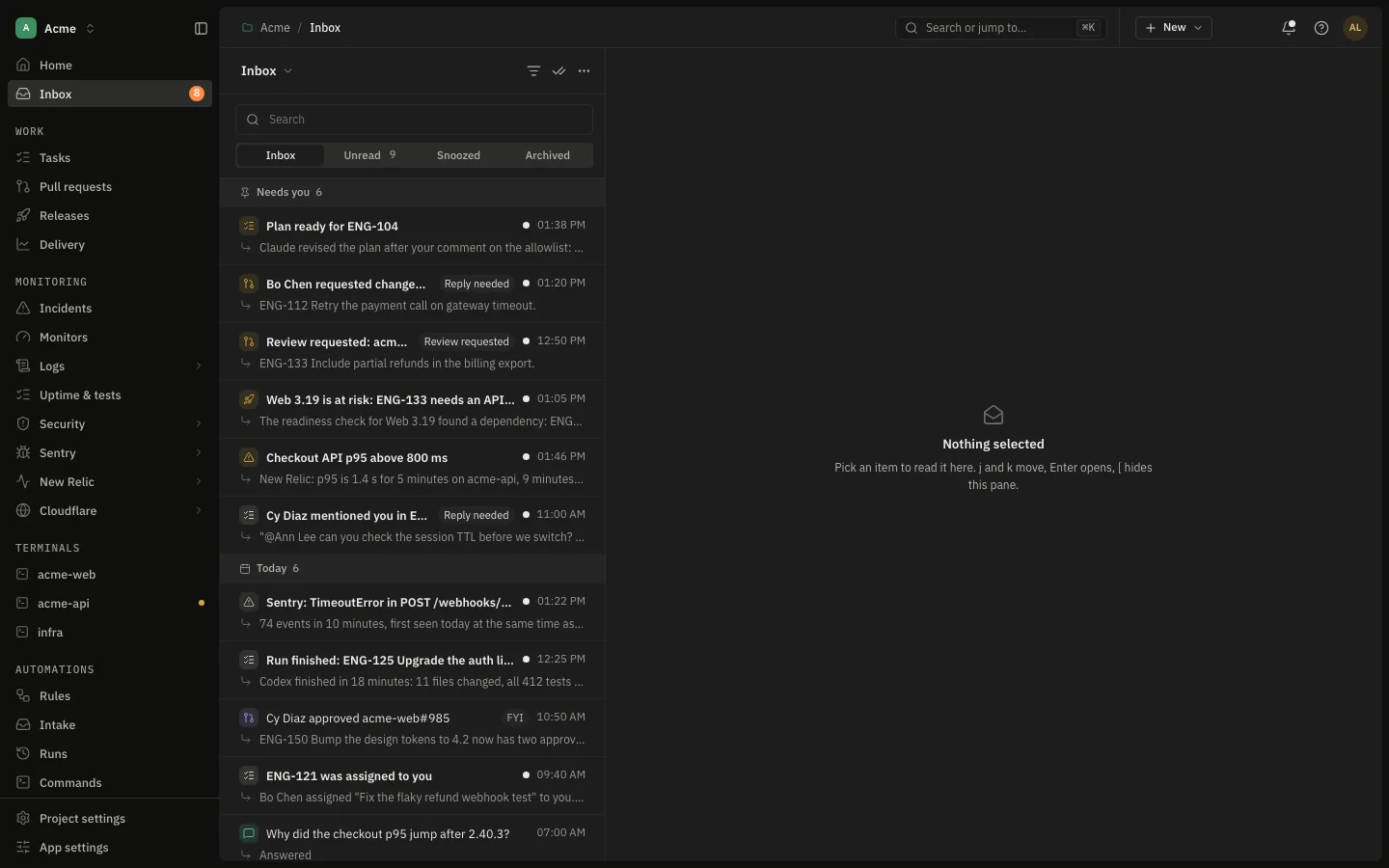
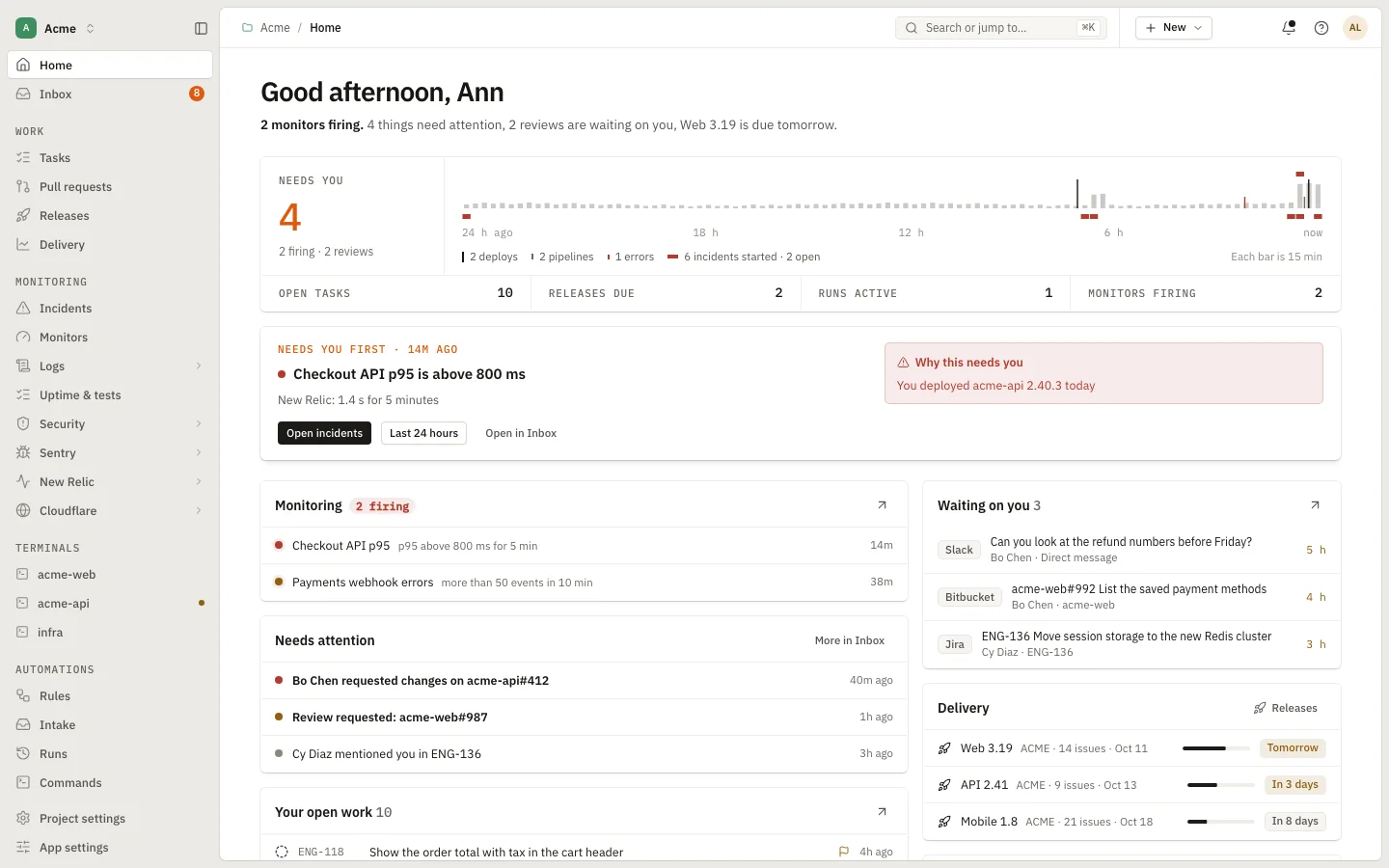
One inbox of what needs you, worst first.

Approvals, review requests, assigned tickets, release risks and conversations land in one list, laid out like a mail client. Read, snooze or archive. Home opens with one sentence about what is wrong now and what is waiting.

  • Needs you pinned on top, with a label such as Reply needed
  • Follow-ups: comments and mentions still waiting for your answer
  • ⌘K for any page or action, G then a letter to jump
app.devdash.pro/acmeEnlarge
Home
Open in the demo
09:10Morning · the issue

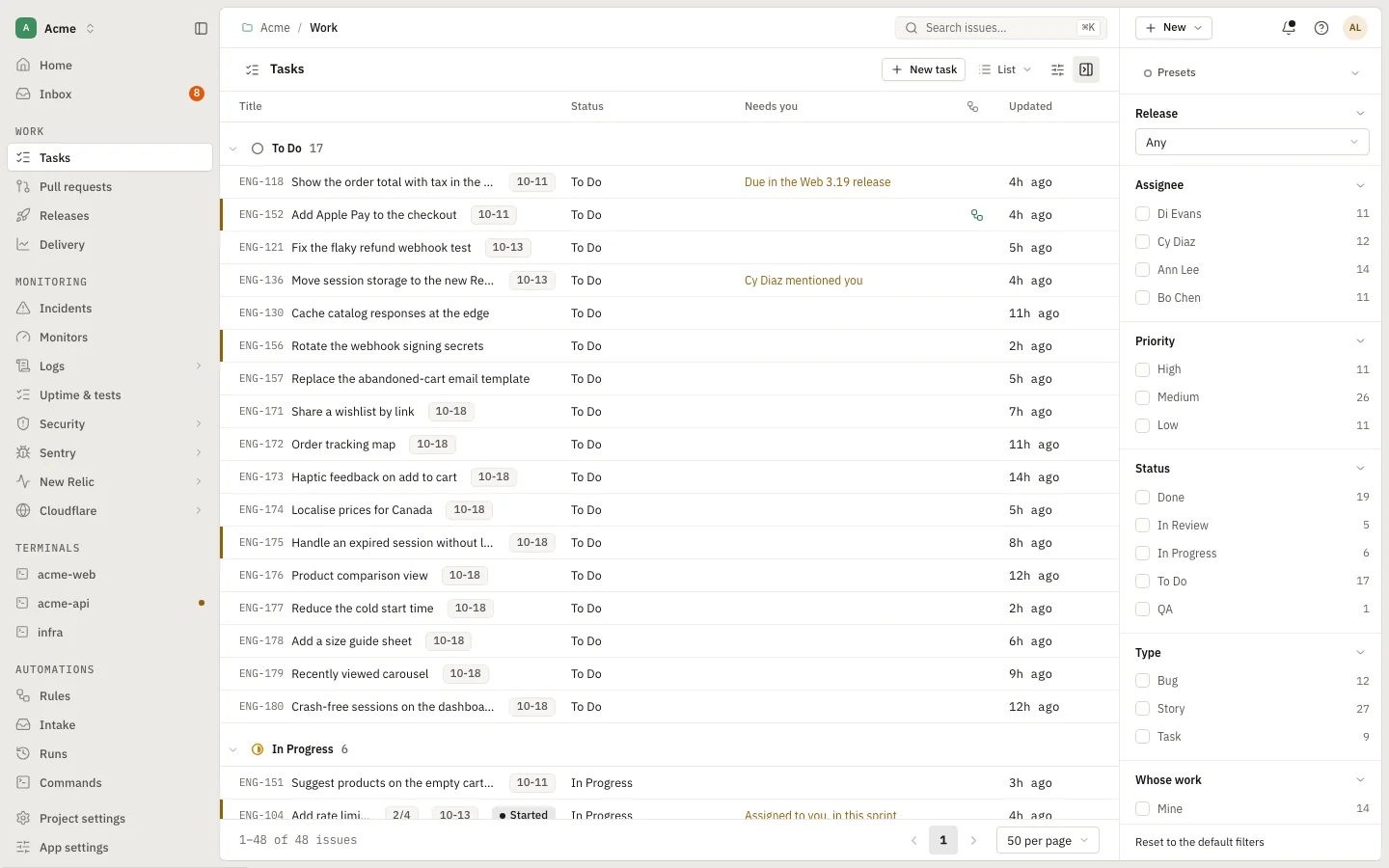
“Which tickets are mine, and which are stuck?”

Your work items, the way you like to see them.

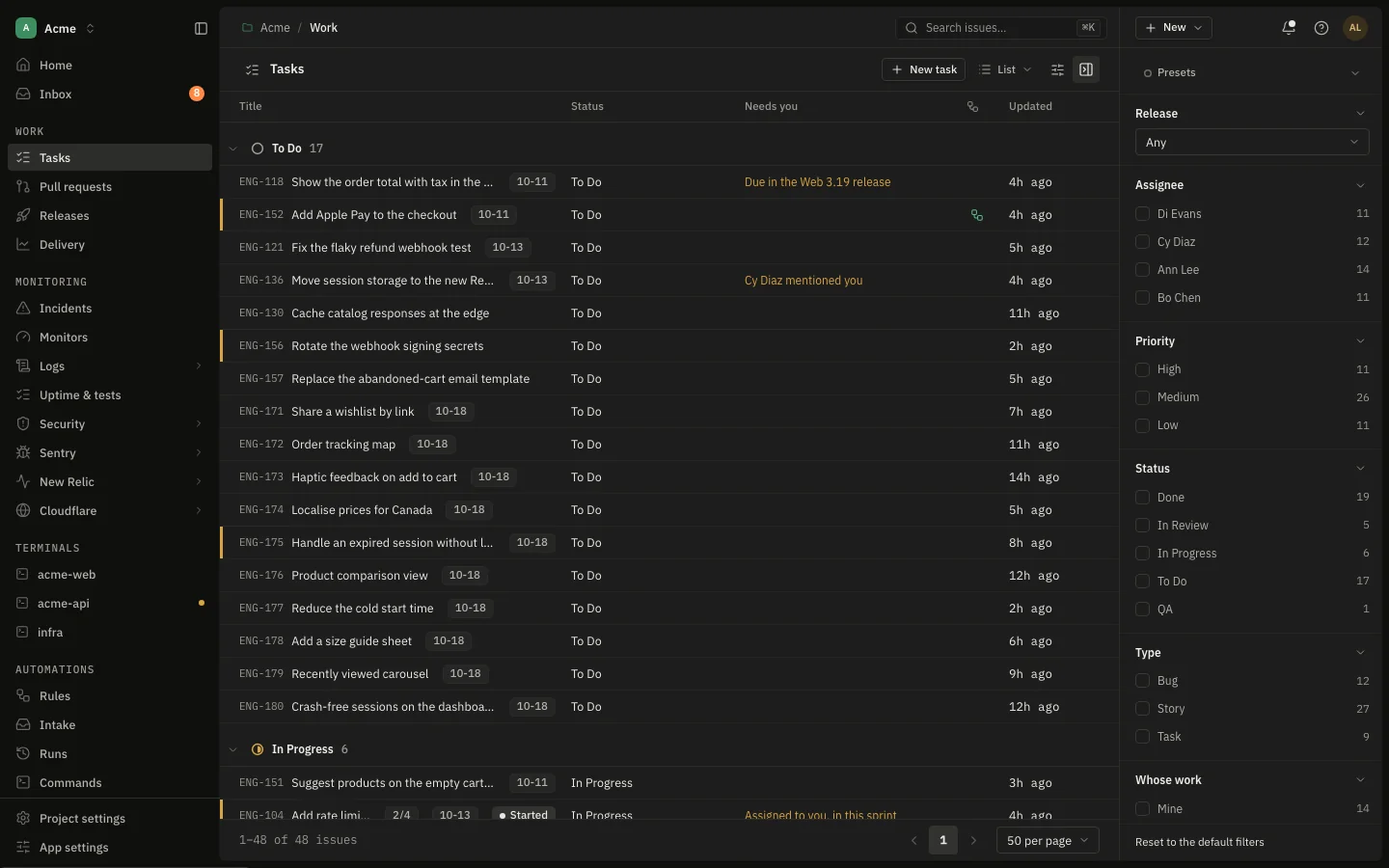
Jira and GitLab issues as a list, board, table or calendar, grouped by status, with a filter column for assignee, priority, release and more. The Needs you column says what each ticket is waiting for.

  • List, Board, Table and Calendar views
  • Release picker: fix versions with their counts
  • Open one to read it before you start work on it
app.devdash.pro/acme/tasksEnlarge
Tasks
09:40Building · the issue

“Starting a ticket means branches, worktrees and context.”

Start work, and the setup is done.

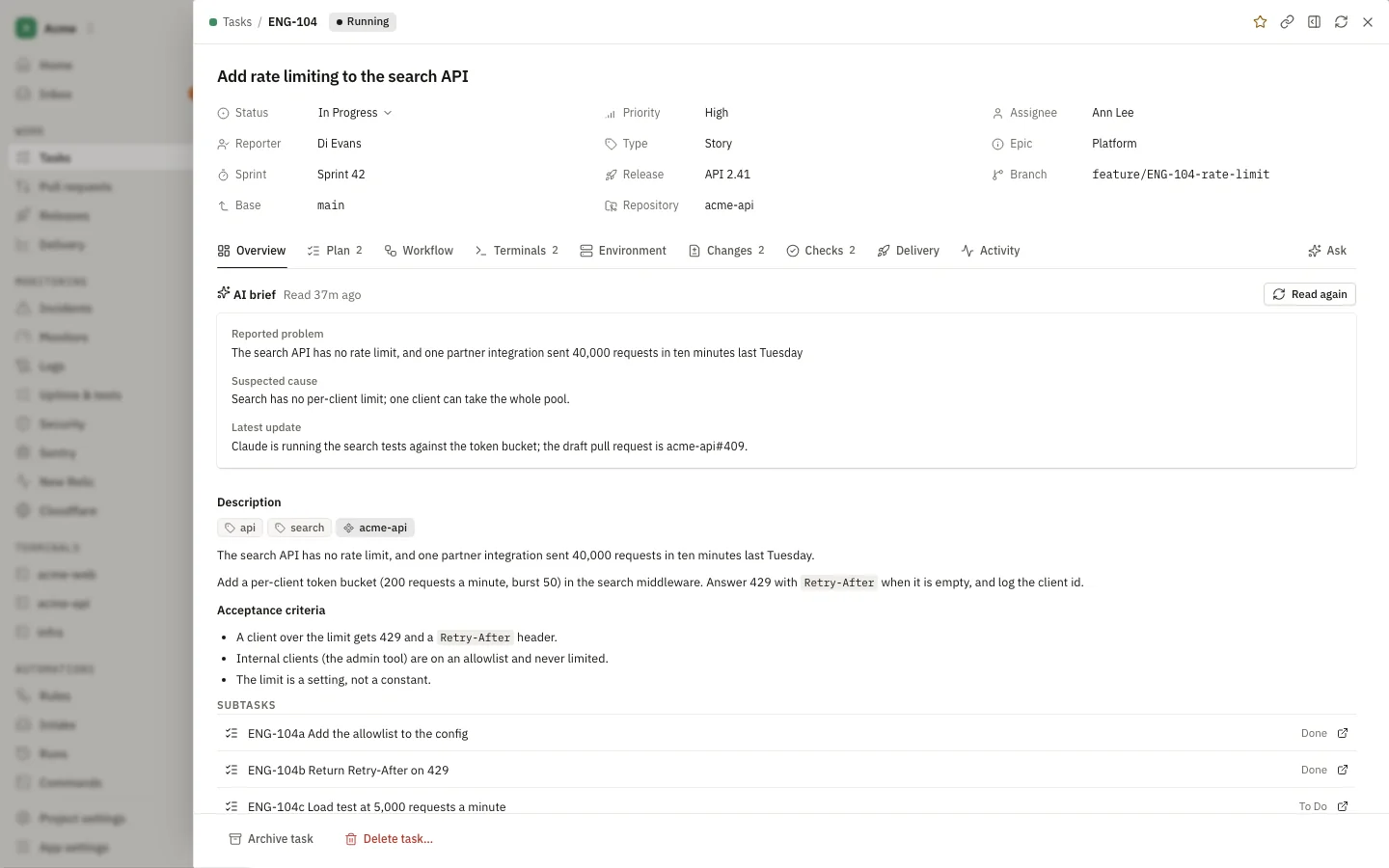
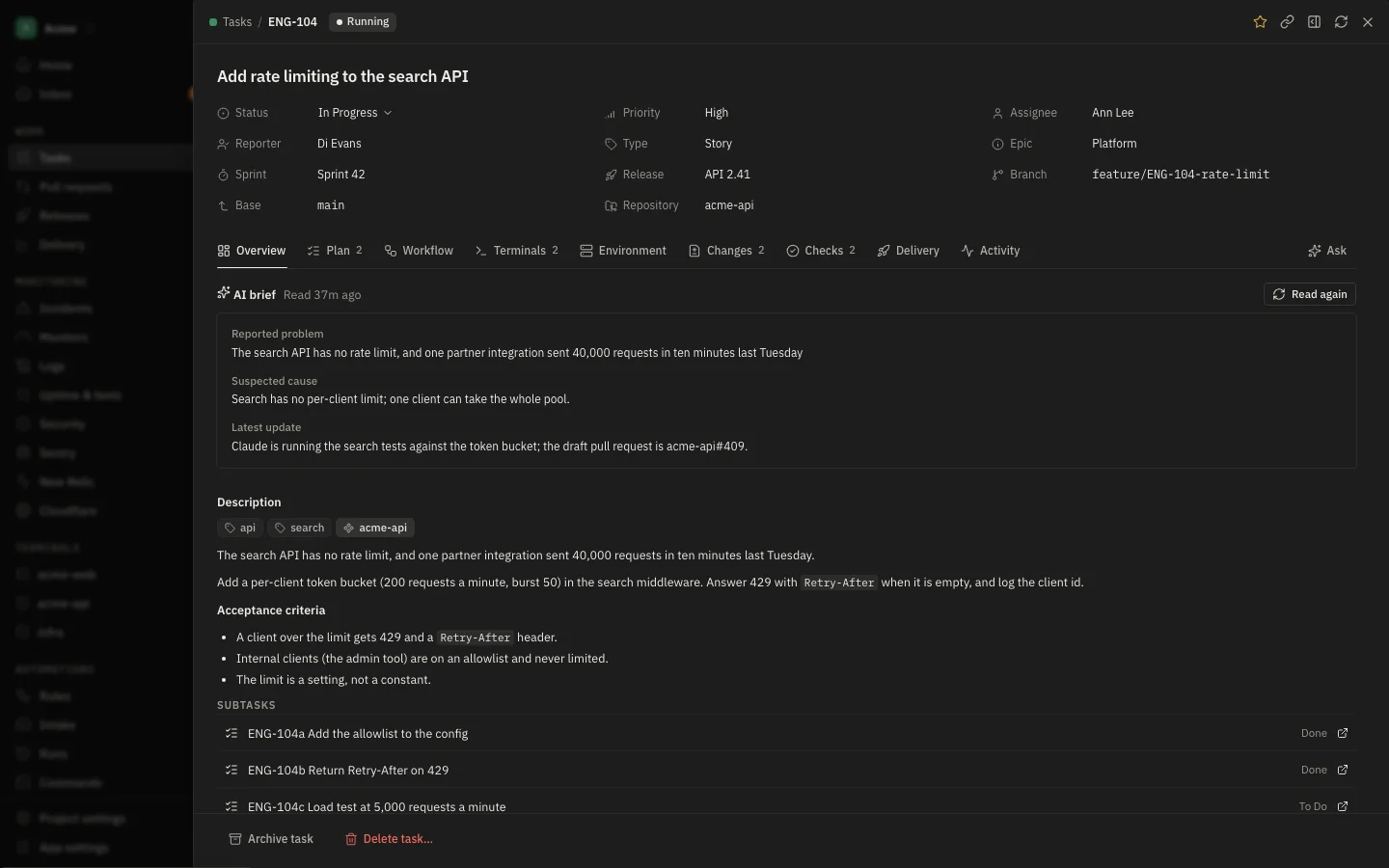
Choose Start work: DevDash cuts the branch and a git worktree from your repository, runs your setup commands, and shows the ticket with an AI brief: the likely cause, the latest update and what already exists on other branches.

  • A worktree per task, so your checkout stays clean
  • Setup and teardown commands from the repository’s .devdash.yaml
  • Plan, workflow, terminals, changes and checks in one drawer
app.devdash.pro/acme/tasksEnlarge
Task
10:30Building · the issue

“I would rather review the work than type all of it.”

Let an agent do it. You keep the decisions.

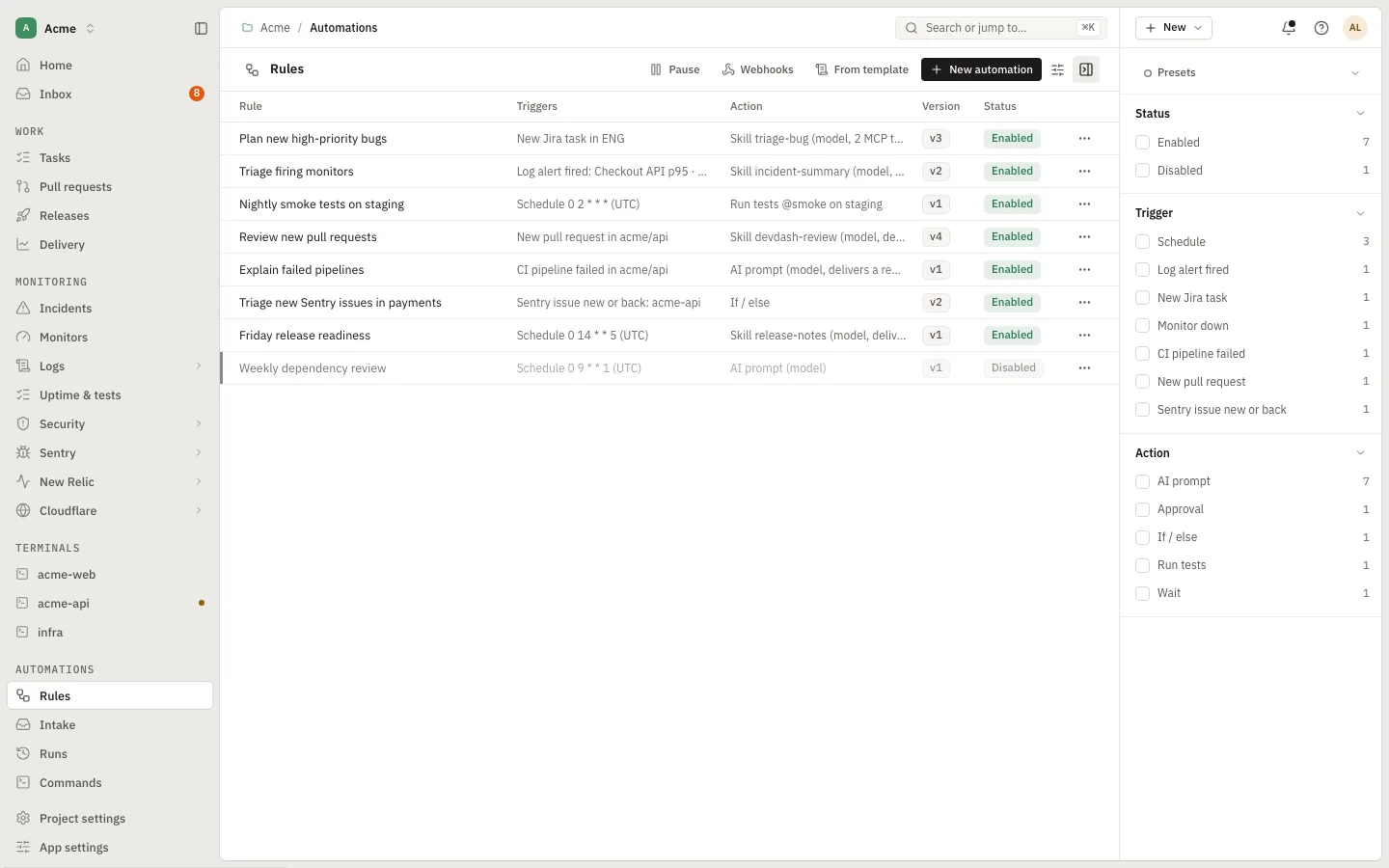
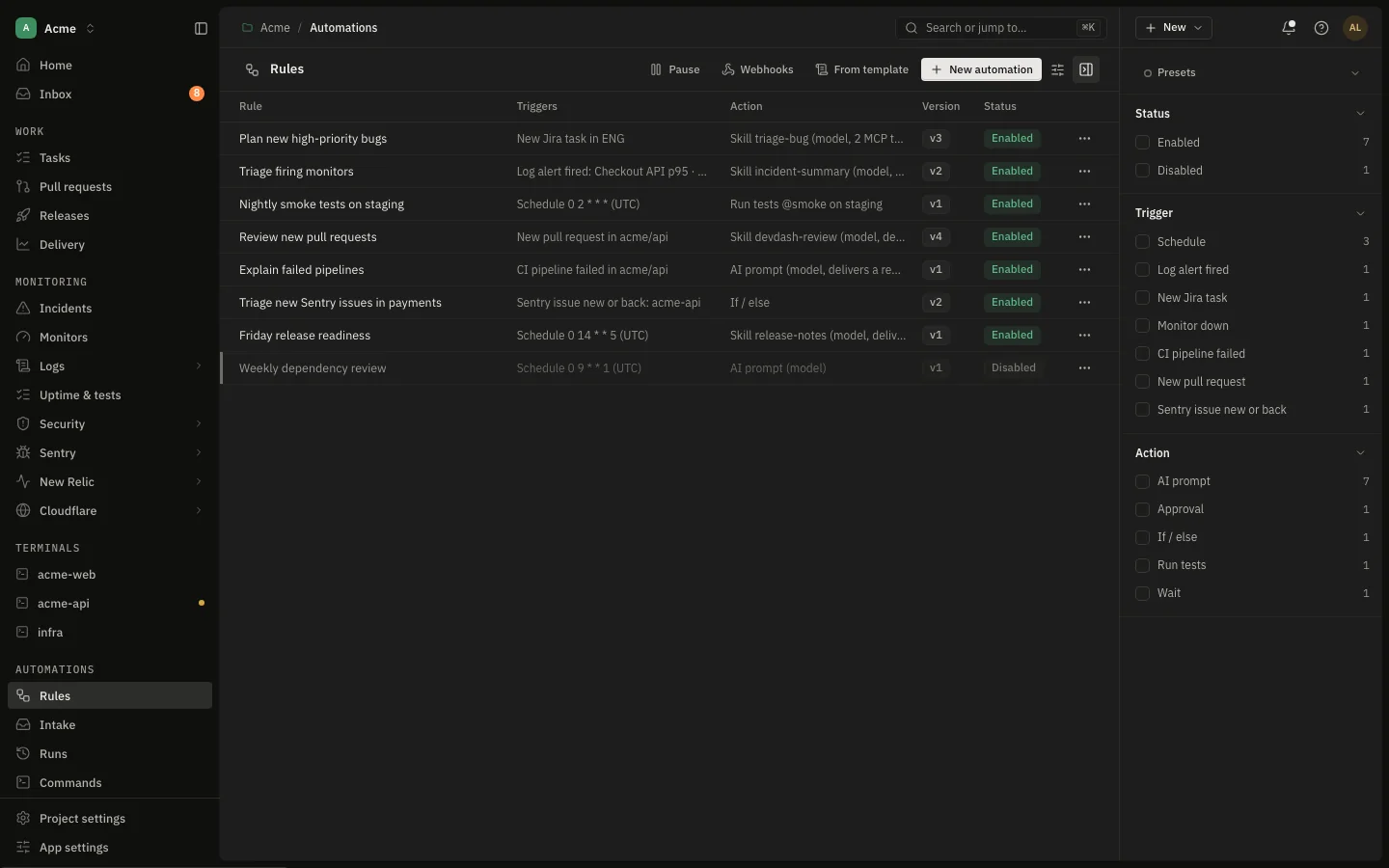
Claude Code or Codex works the ticket in its worktree: criteria, a plan you approve, implementation, verification, then read-only security, performance and quality reviews. Rules start runs on ticket events or a schedule, and stop for your approval where you say.

  • Approve a plan or a push from the app, or from your phone
  • A per-run budget cap, and the agent CLIs under your own accounts
  • Automations with conditions, waits and agent prompts; preview what a rule matches
app.devdash.pro/acme/automationsEnlarge
Automations
Open in the demo
12:00Reviewing · the issue

“A pull request has been waiting on me since yesterday.”

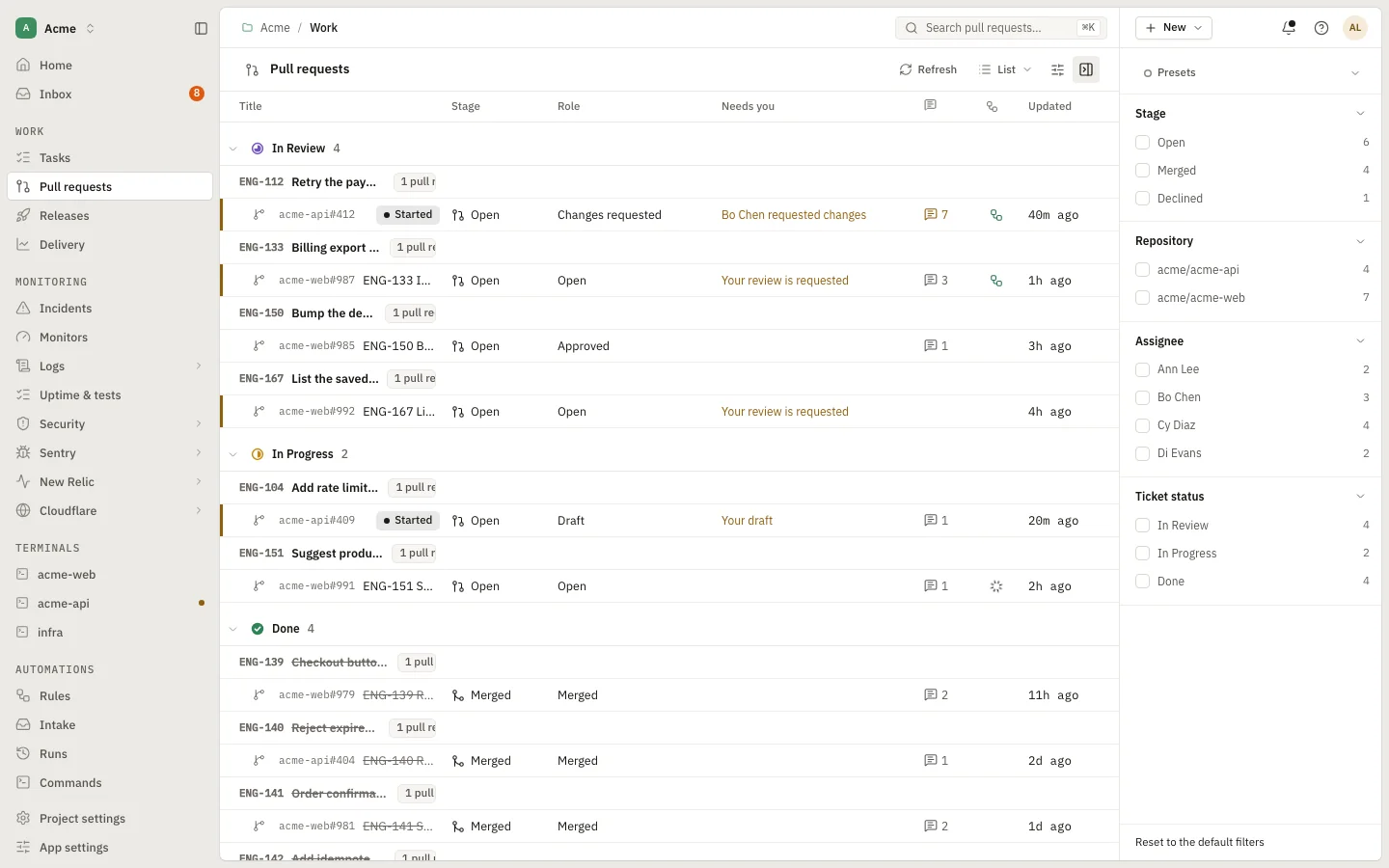
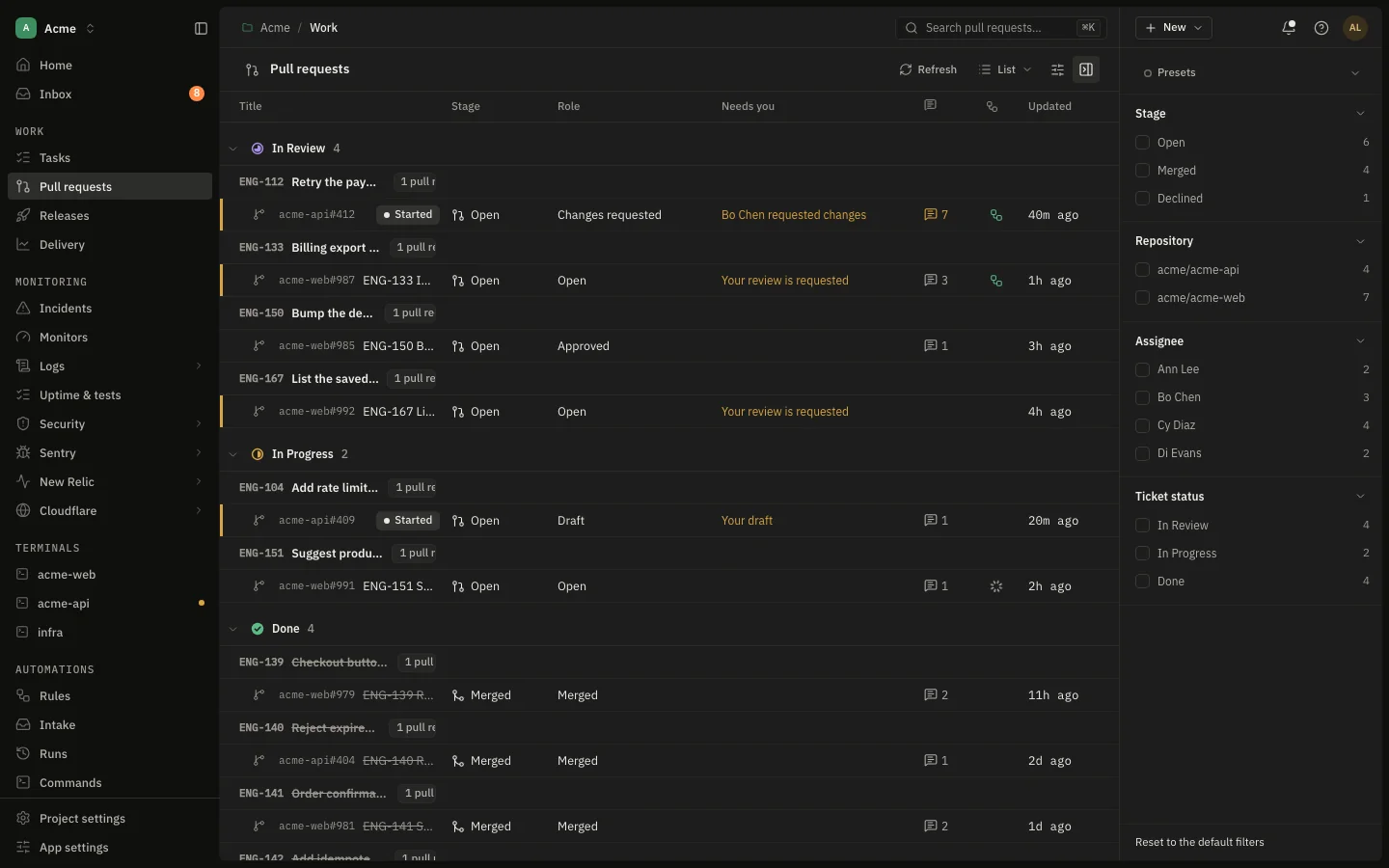
Pull requests beside the tickets they belong to.

Bitbucket, GitHub and GitLab pull requests grouped by the ticket’s status, with a comment count that turns amber while changes are asked for. Read the diff by commit or file, follow nested threads, and run an AI review.

  • Approve, request changes or merge from the drawer
  • Comment threads shown inline, replies nested
  • Filter by role: yours, awaiting you, approved by you
app.devdash.pro/acme/pullsEnlarge
Pull requests
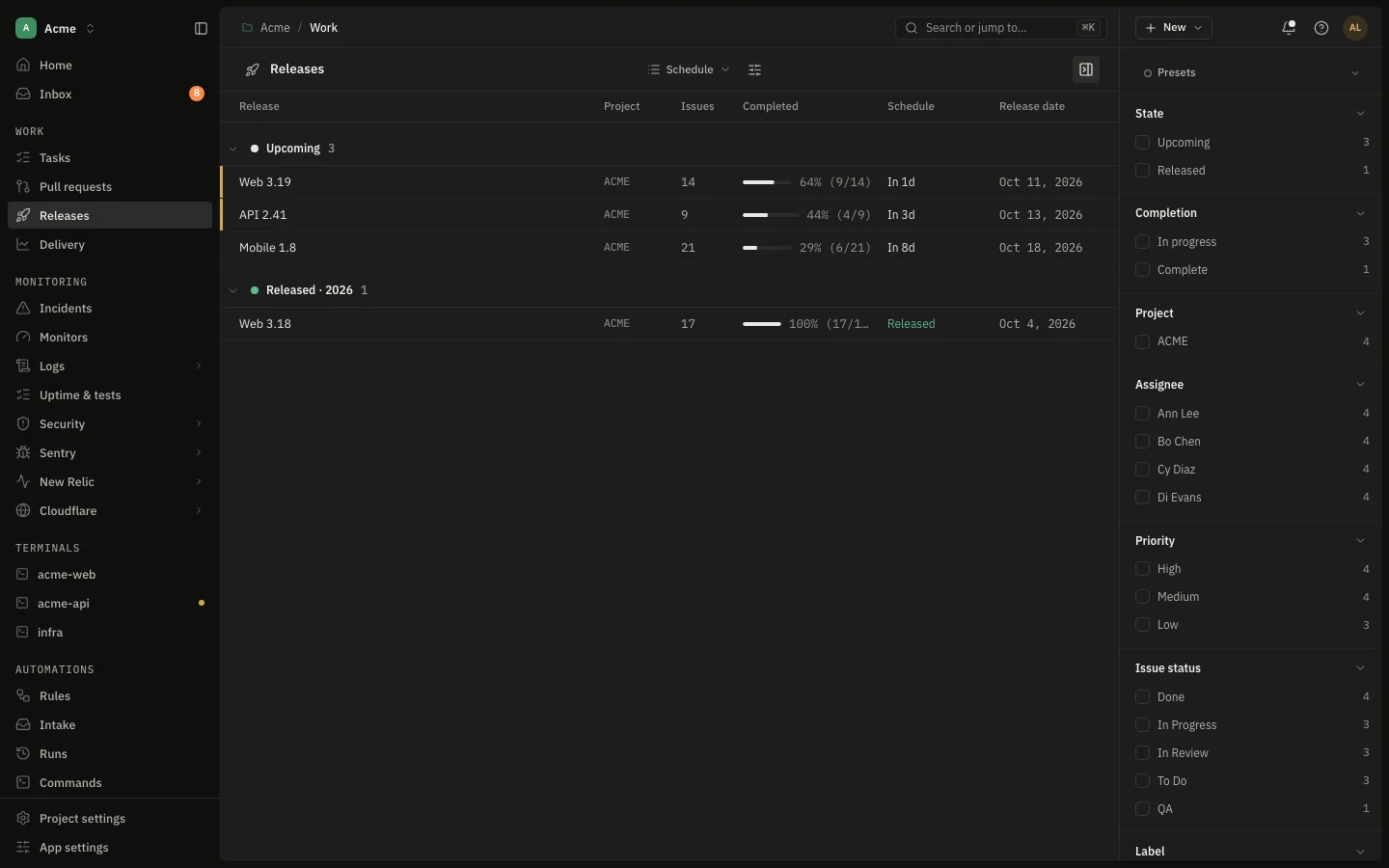
14:00Shipping · the issue

“Is everything for Thursday’s release actually merged?”

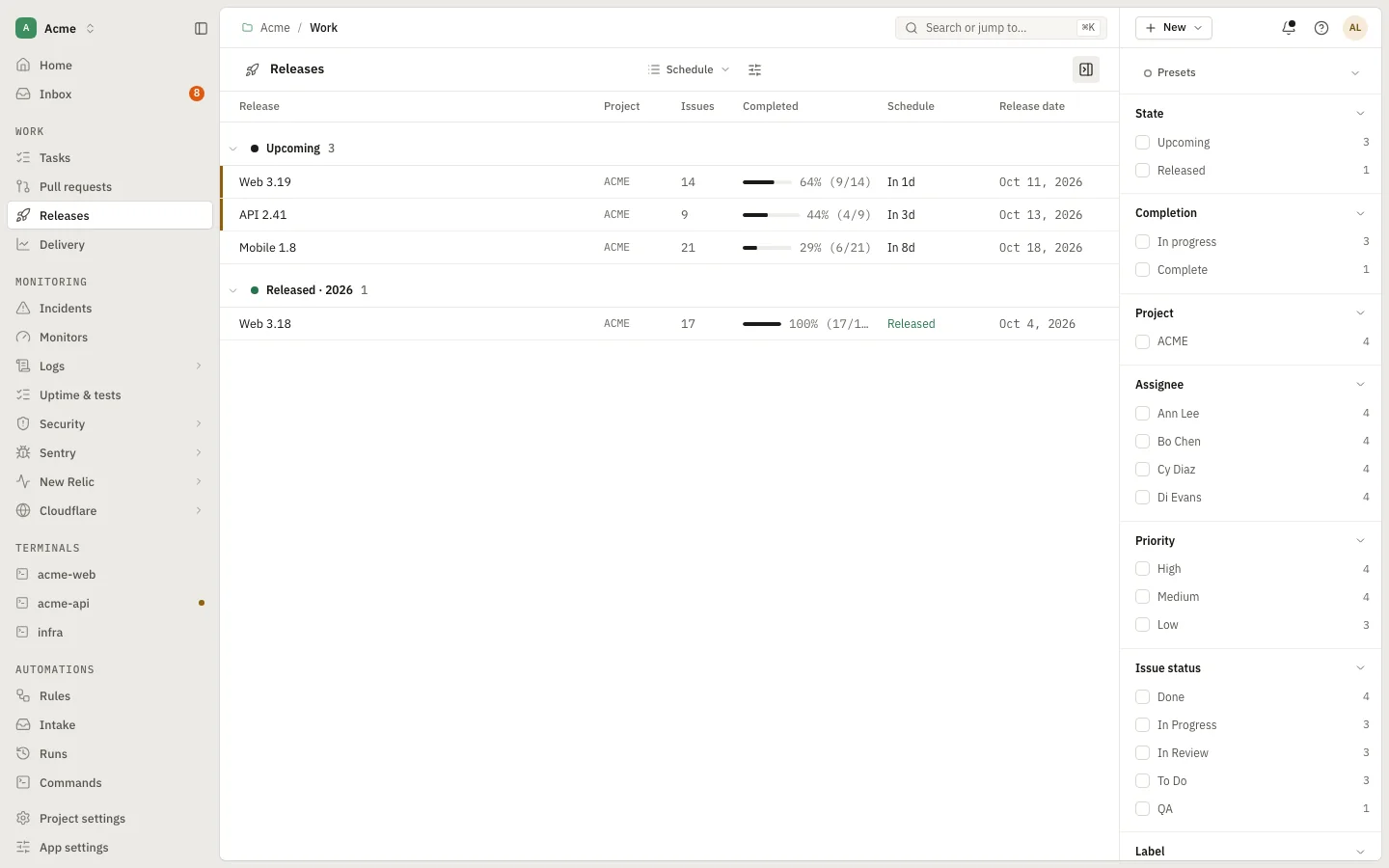
From “is it ready?” to “it is deployed”.

A release can span several repositories. Pick each repository’s release branch once, and the drawer shows which issues are merged to it, which gates are open, and how long the work has waited. Merge the release branch into production and it is delivered.

  • Per-repository release branches: pick, search or create
  • Scope by status, facets, and a Commits view
  • Gates found from evidence, confirmed by a person; Ready needs every gate
  • Timeline with lead, cycle and review time, coloured by sprints
app.devdash.pro/acme/releasesEnlarge
Gates Ready needs every one
  • Release notesCHANGELOG.md changed on release/oct-28th
    Frontend
  • Migrations reviewed2 files changed · confirmed by Dana, 14:02
    Drupal 7
  • Migrations reviewedNo migration files changed: not applicable
    sqwire
  • Rollback plan agreedWaiting for a person to confirm
    Release
  • Monitors quiet11 monitors, none firing
    Release
Gates Ready needs every one
  • Release notesCHANGELOG.md changed on release/oct-28th
    Frontend
  • Migrations reviewed2 files changed · confirmed by Dana, 14:02
    Drupal 7
  • Migrations reviewedNo migration files changed: not applicable
    sqwire
  • Rollback plan agreedWaiting for a person to confirm
    Release
  • Monitors quiet11 monitors, none firing
    Release
Releases
Open in the demo
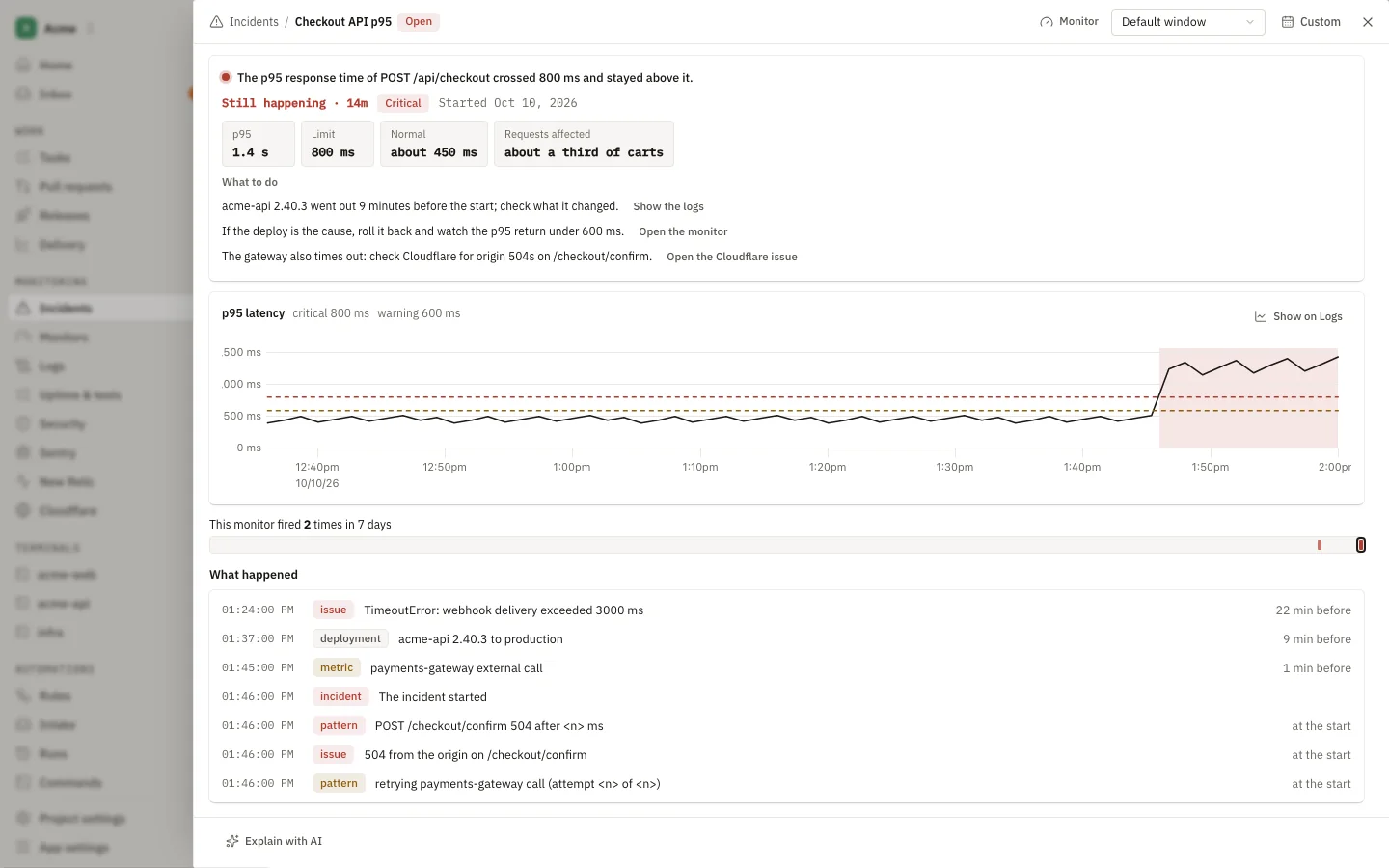
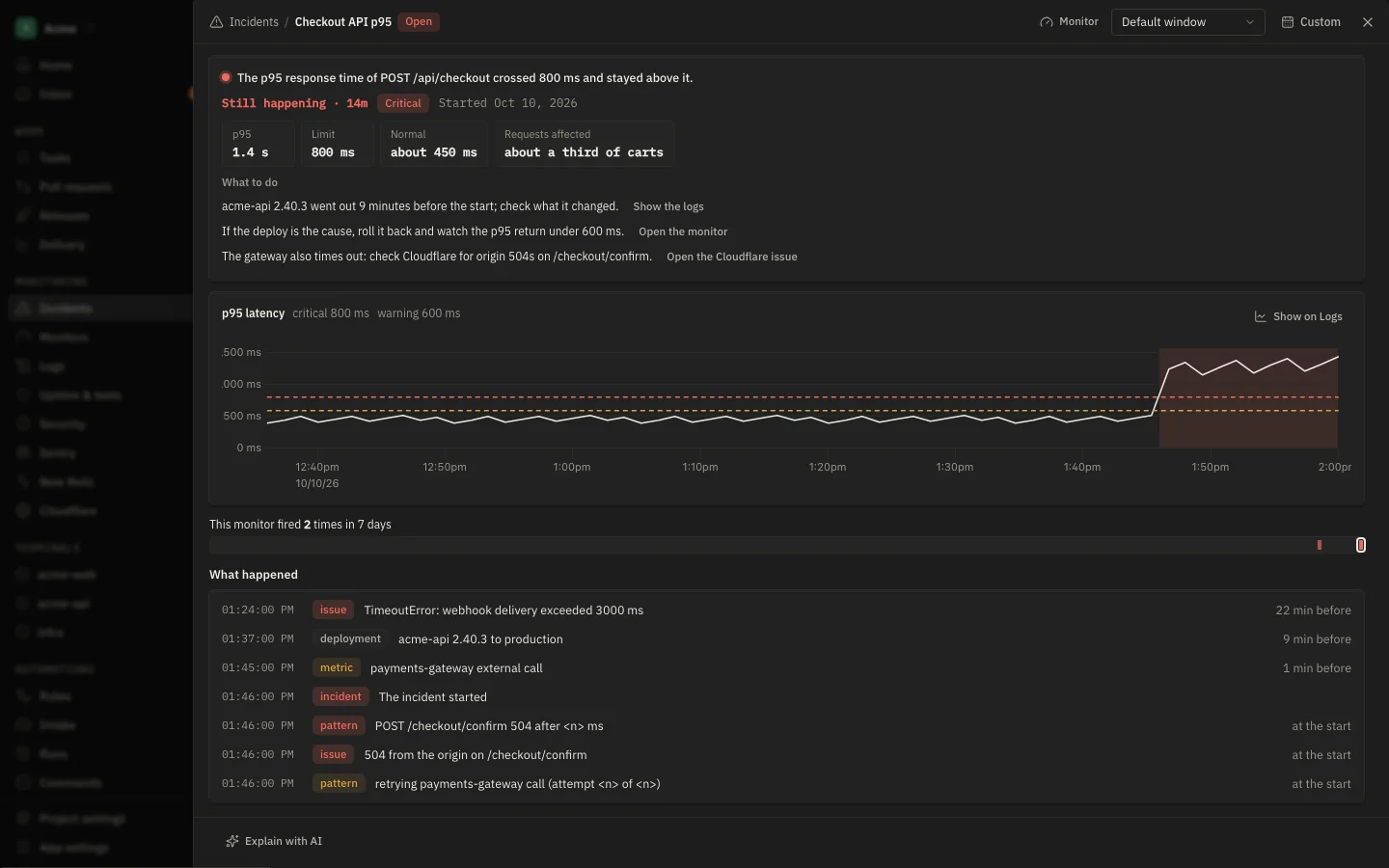
15:30On call · the issue

“Checkout p95 just crossed the threshold.”

An incident with its evidence attached.

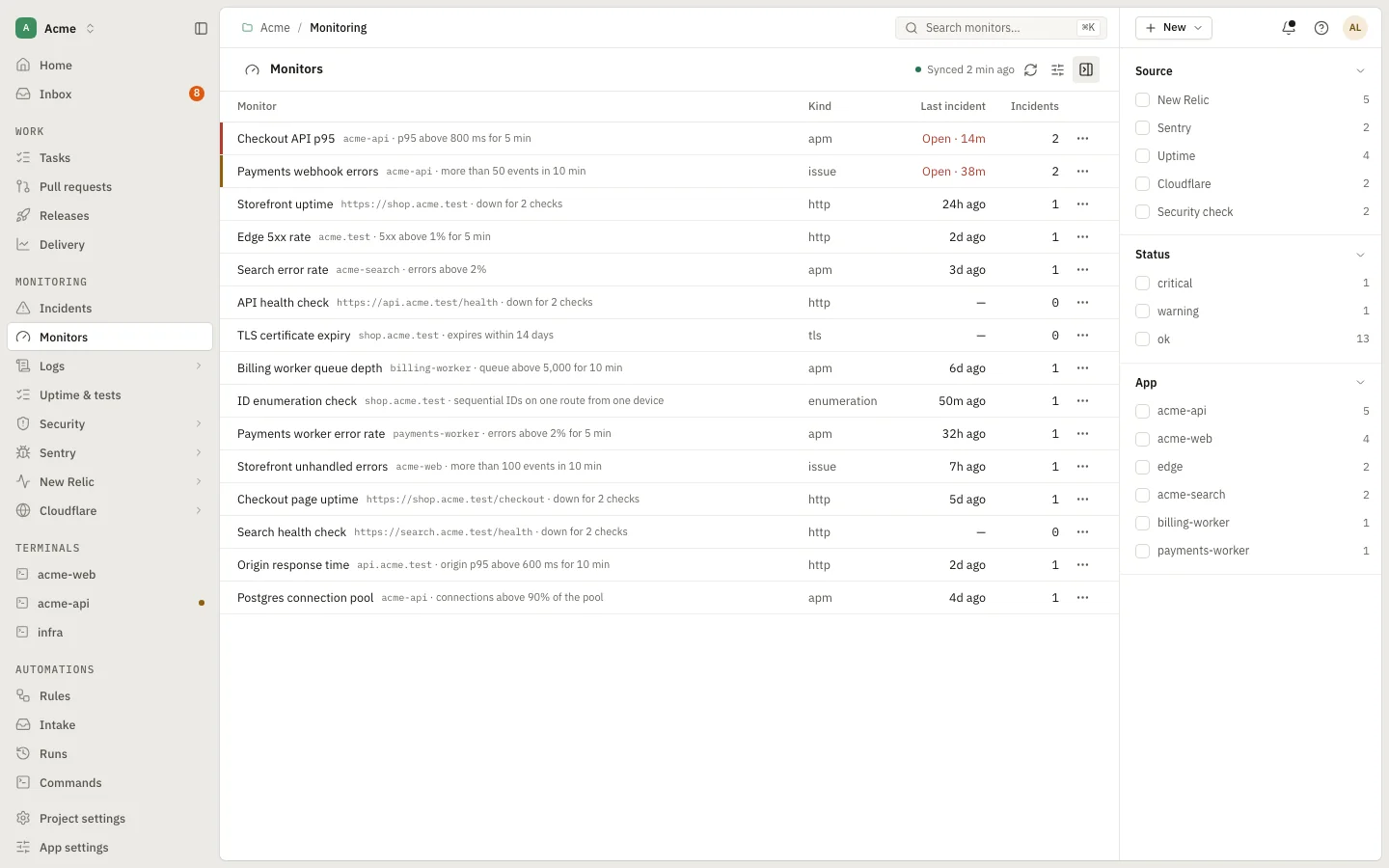
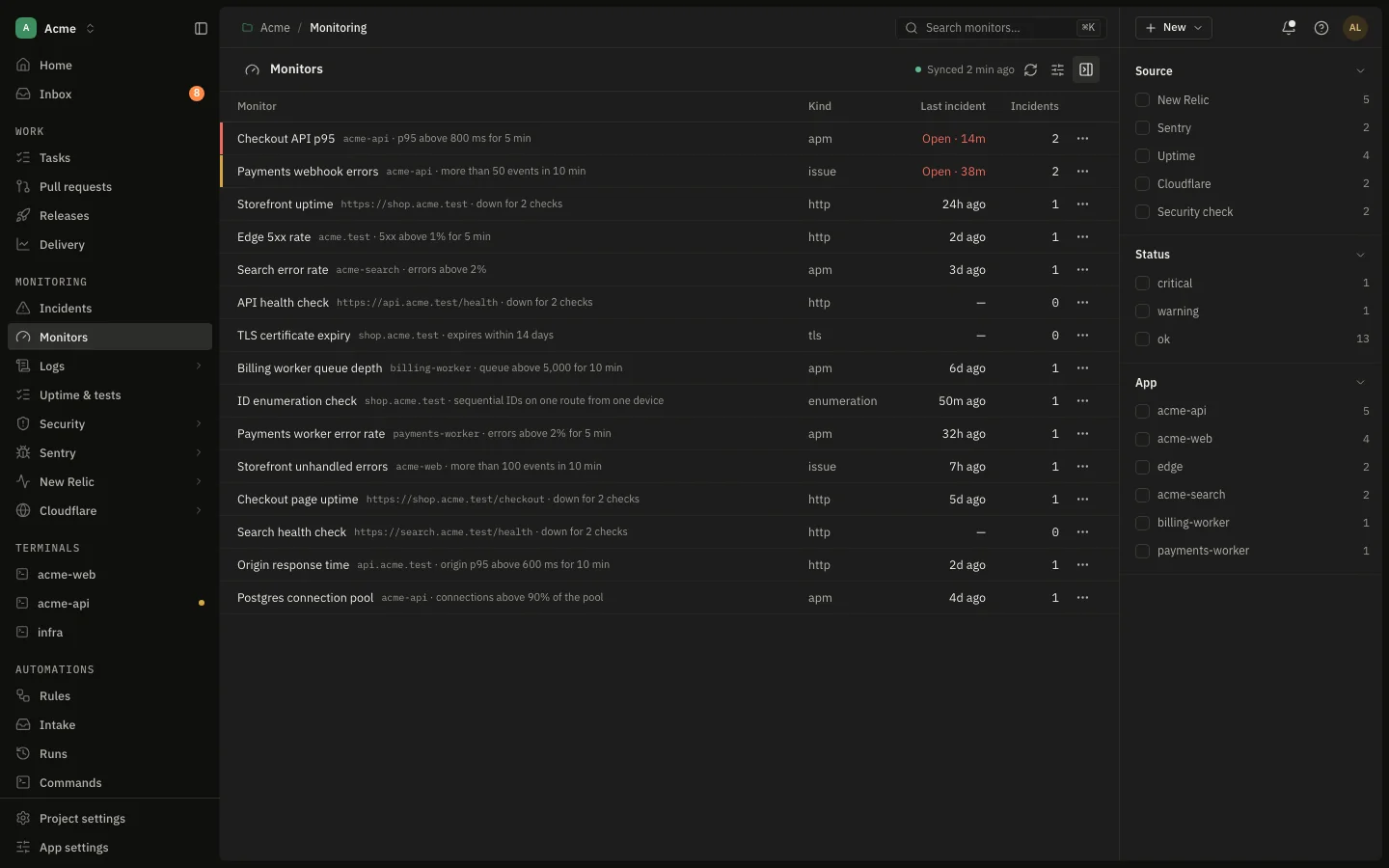
A monitor fires and DevDash opens one record with a timeline, the likely related changes ranked, and what the decision model thinks it is. Start an investigation, take notes, and see what else happened at that moment.

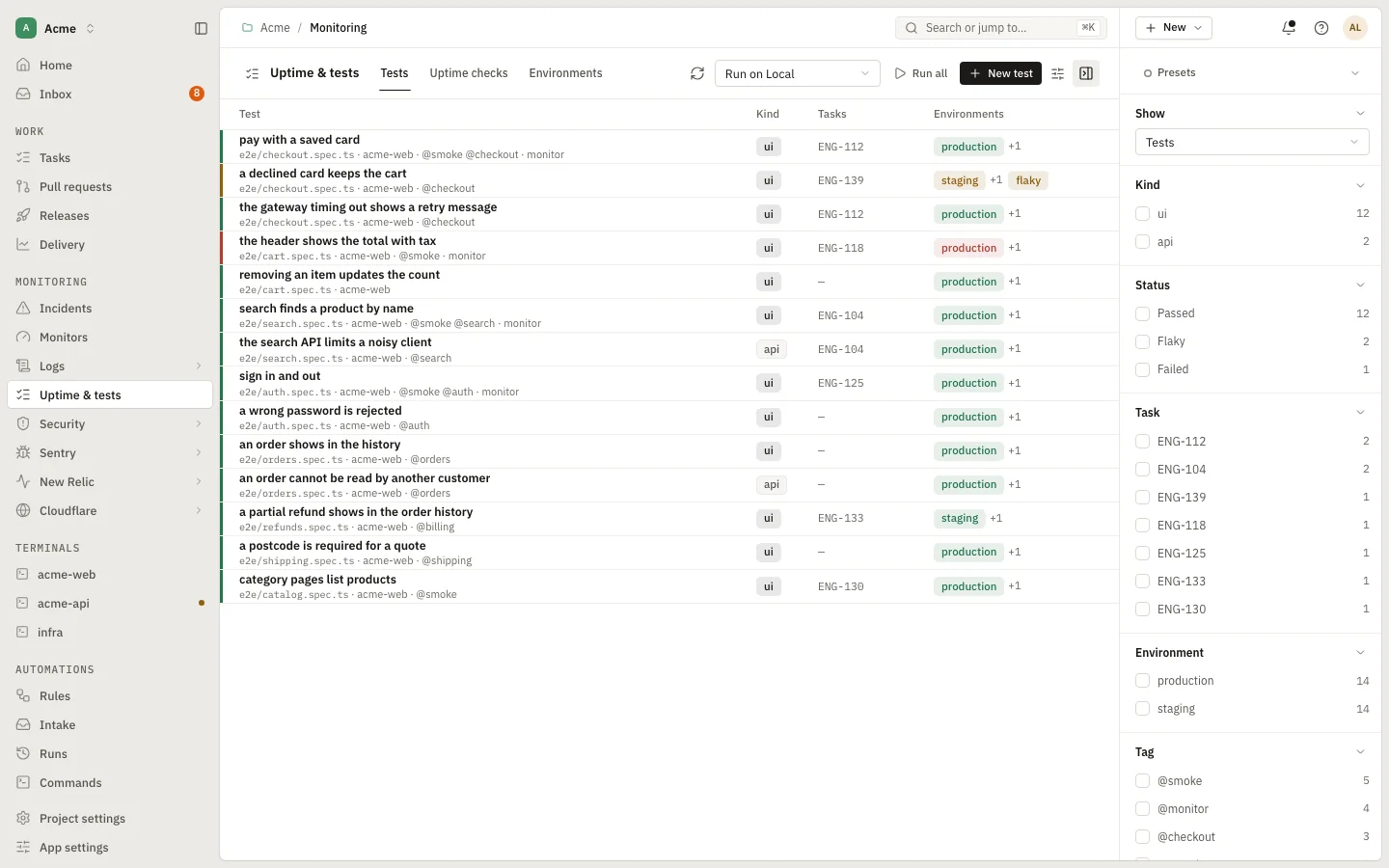
  • Incidents, monitors and uptime tests in one section
  • “Looks like code” with a confidence, and the deploy next to it
  • An agent can start the investigation for you
app.devdash.pro/acme/monitoring/incidentsEnlarge
Incident
Open in the demo
16:10On call · the issue

“Something broke at 15:42. What else happened then?”

Logs and events on one timeline.

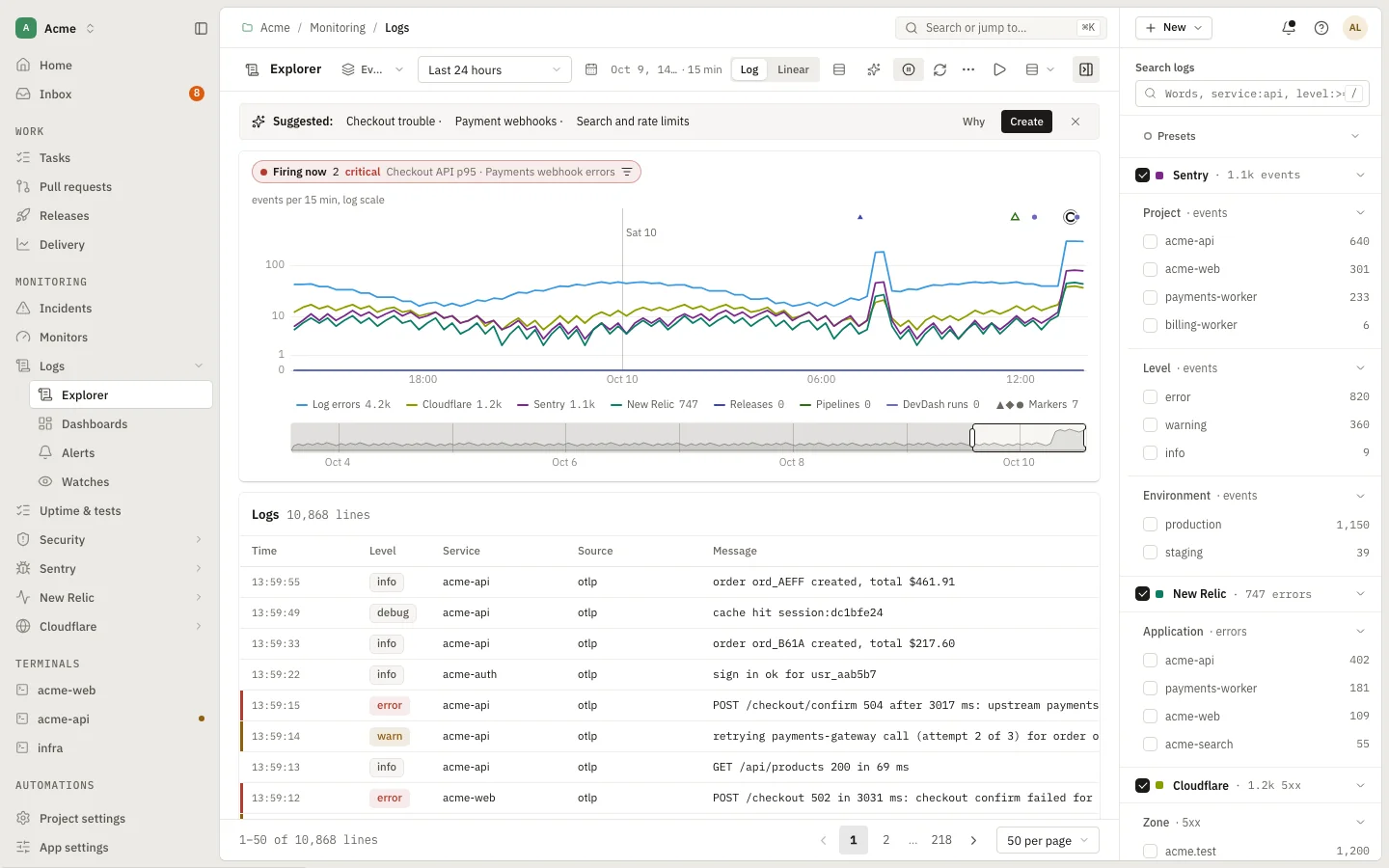
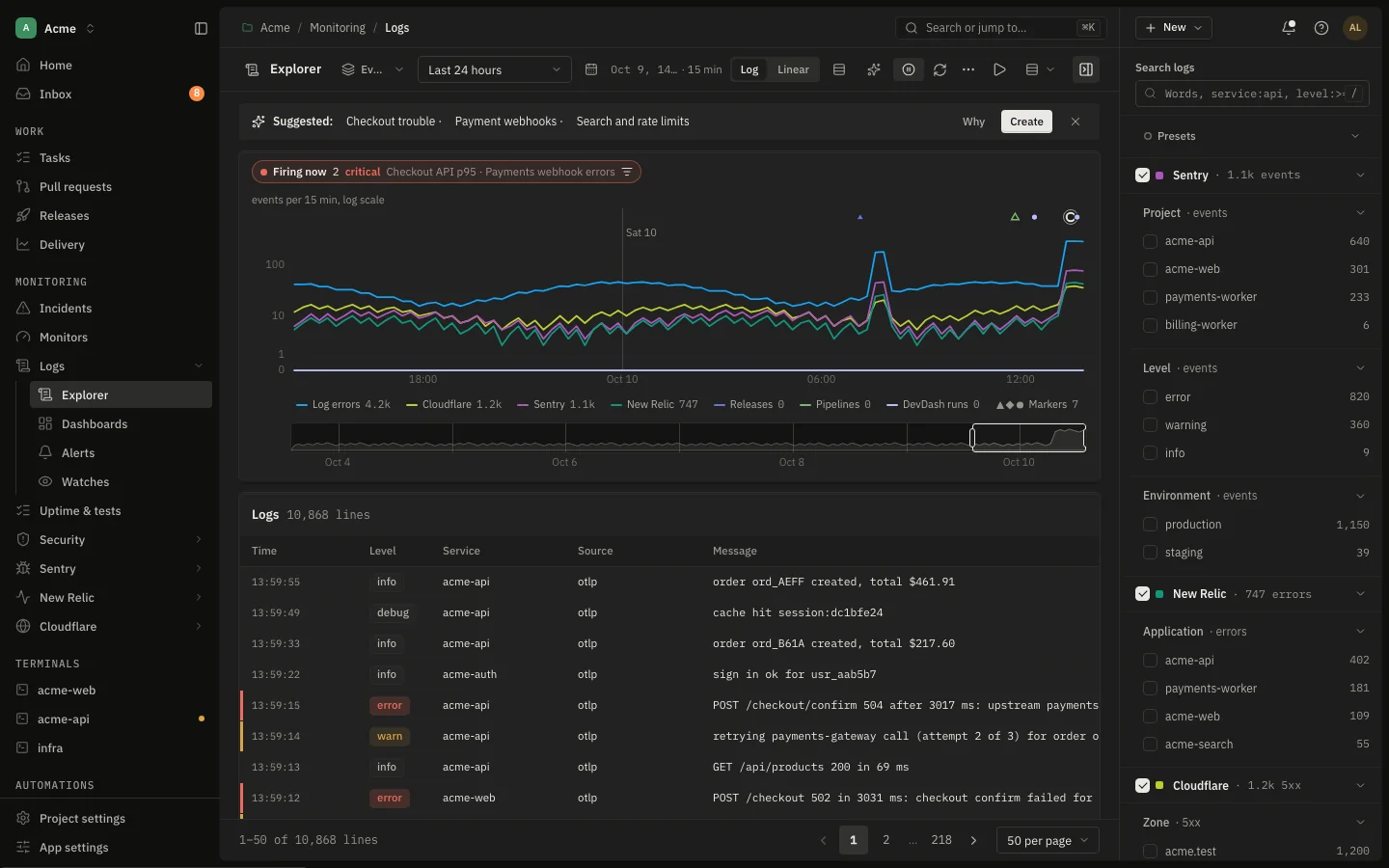
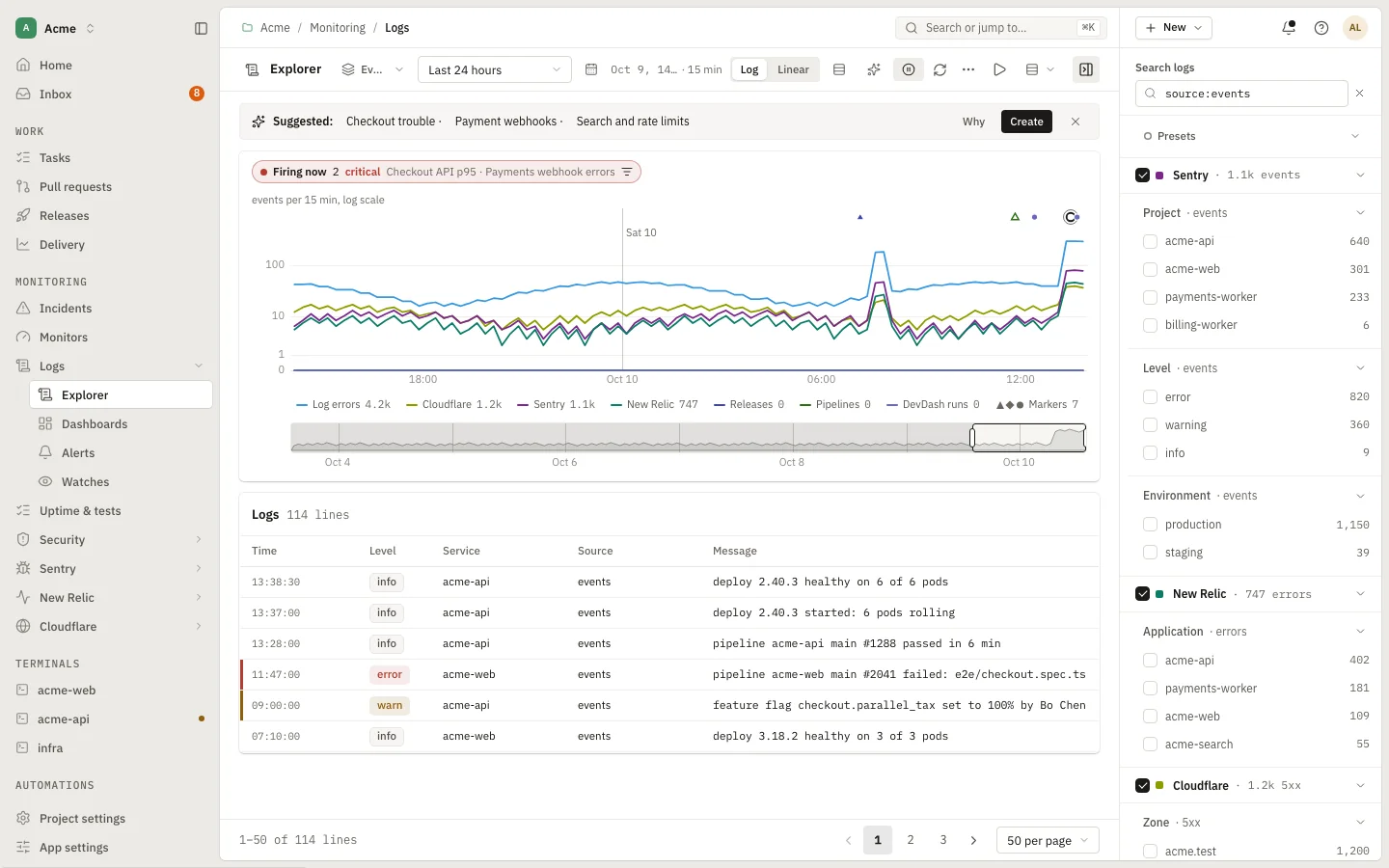
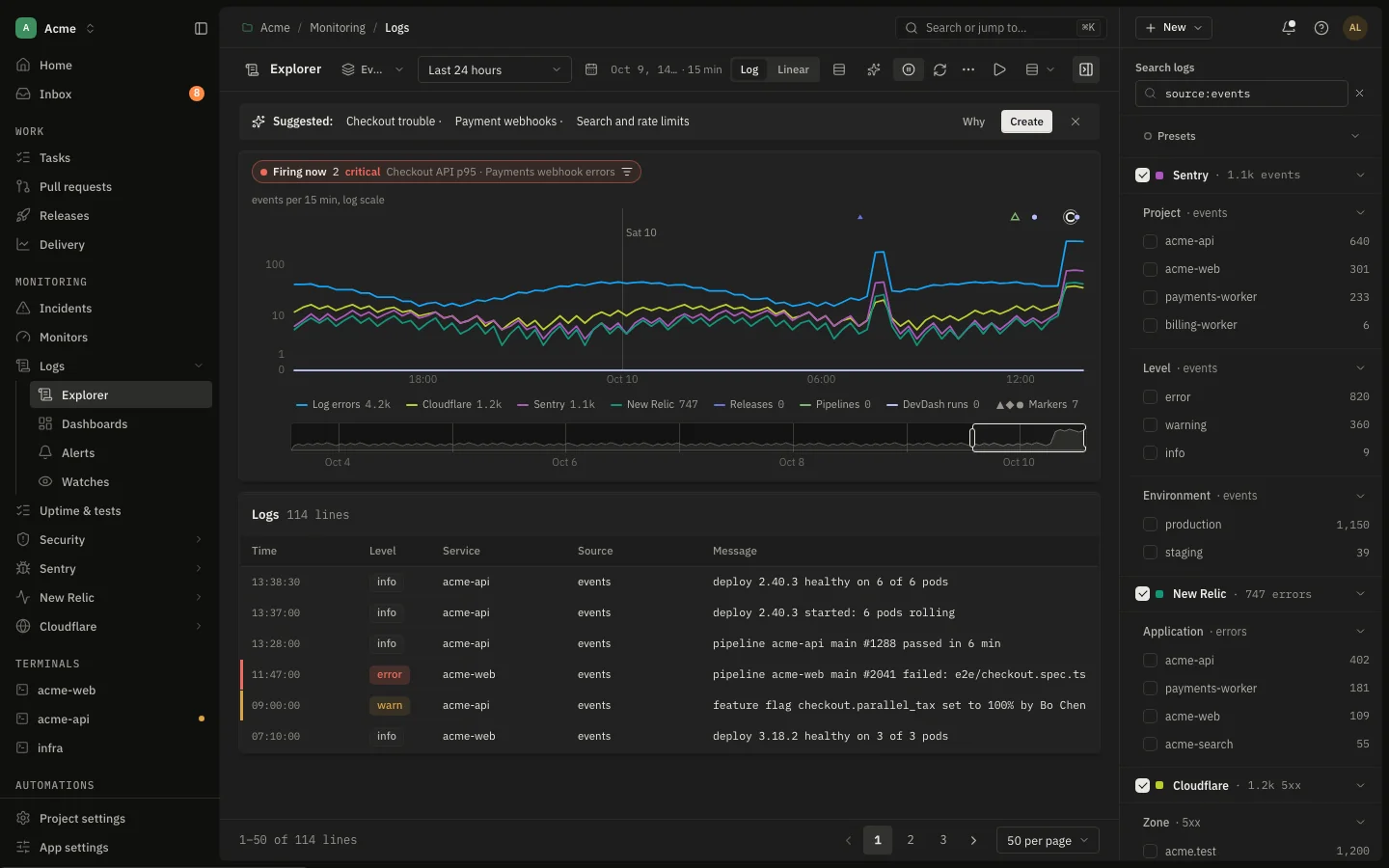
Search and chart log lines from your sources, save presets and dashboards, and set alerts or watches for a pattern. The live stream puts provider events, deploys and errors in order, so a spike has its cause beside it.

  • The Logs timeline across Sentry, New Relic, Cloudflare, releases and pipelines
  • Explorer, dashboards, alerts and watches
  • Open an event to see what happened just before and after
app.devdash.pro/acme/monitoring/logsEnlarge
Logs
Open in the demo
16:40On call · the issue

“Errors, performance and traffic live in four consoles.”

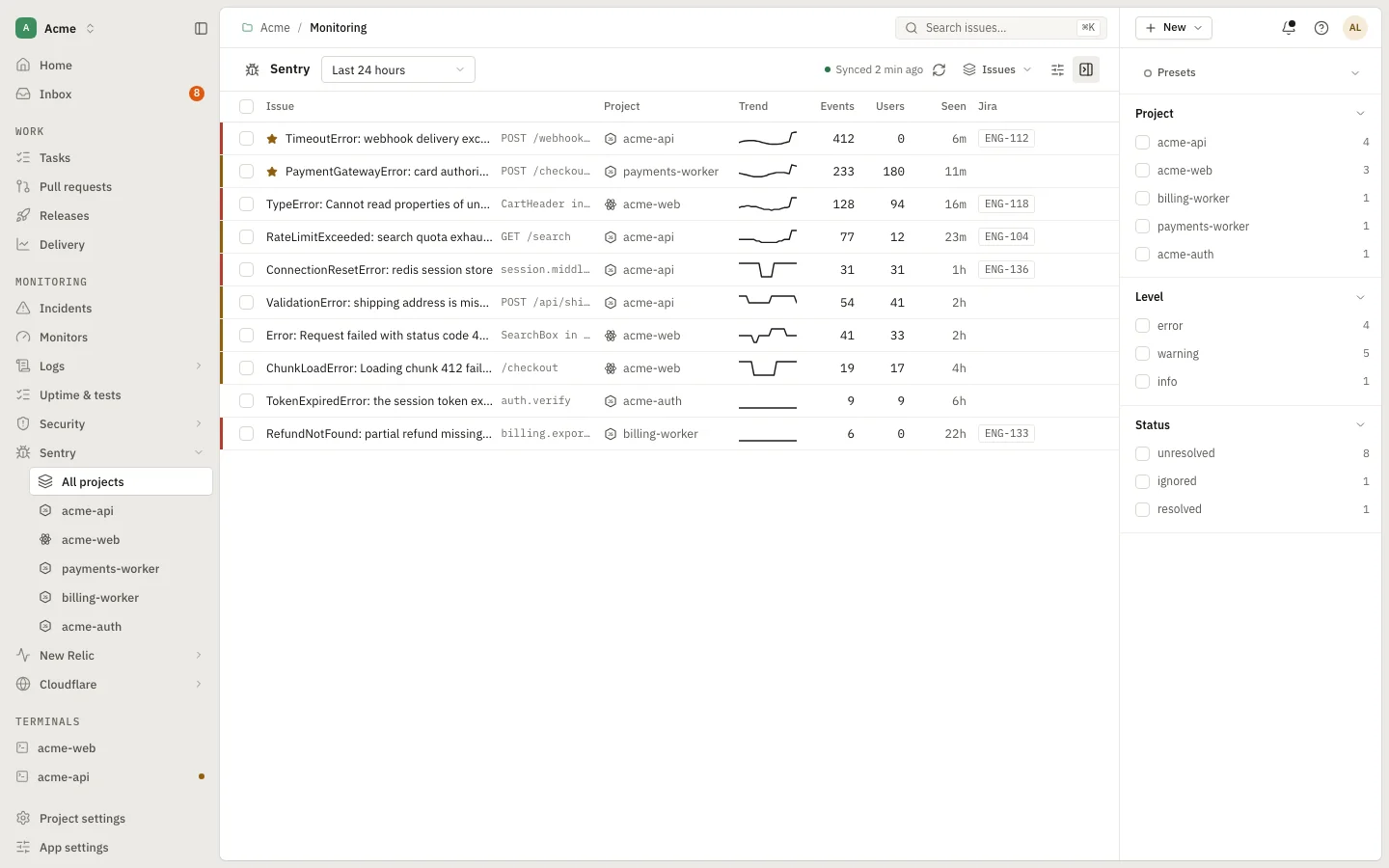
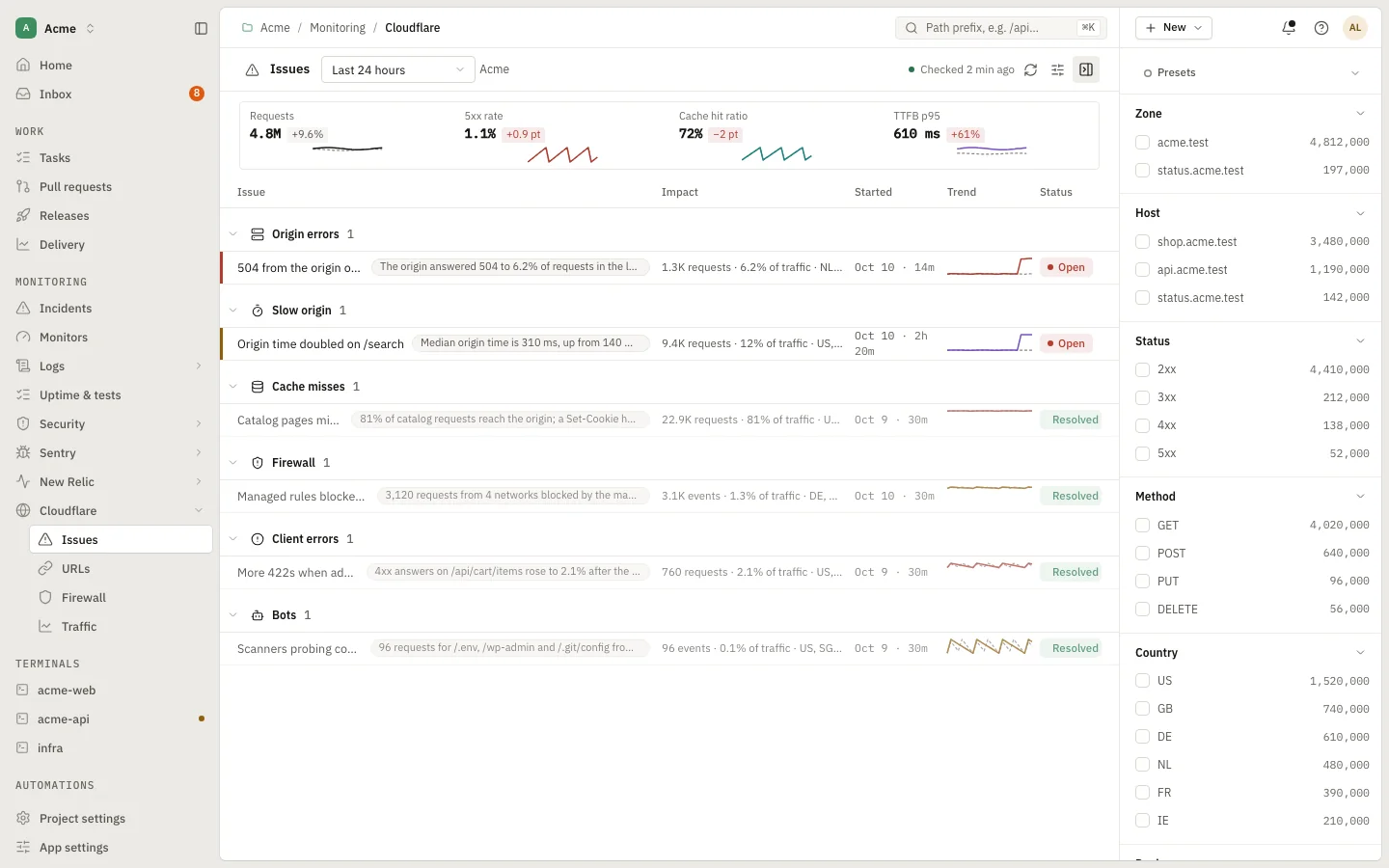
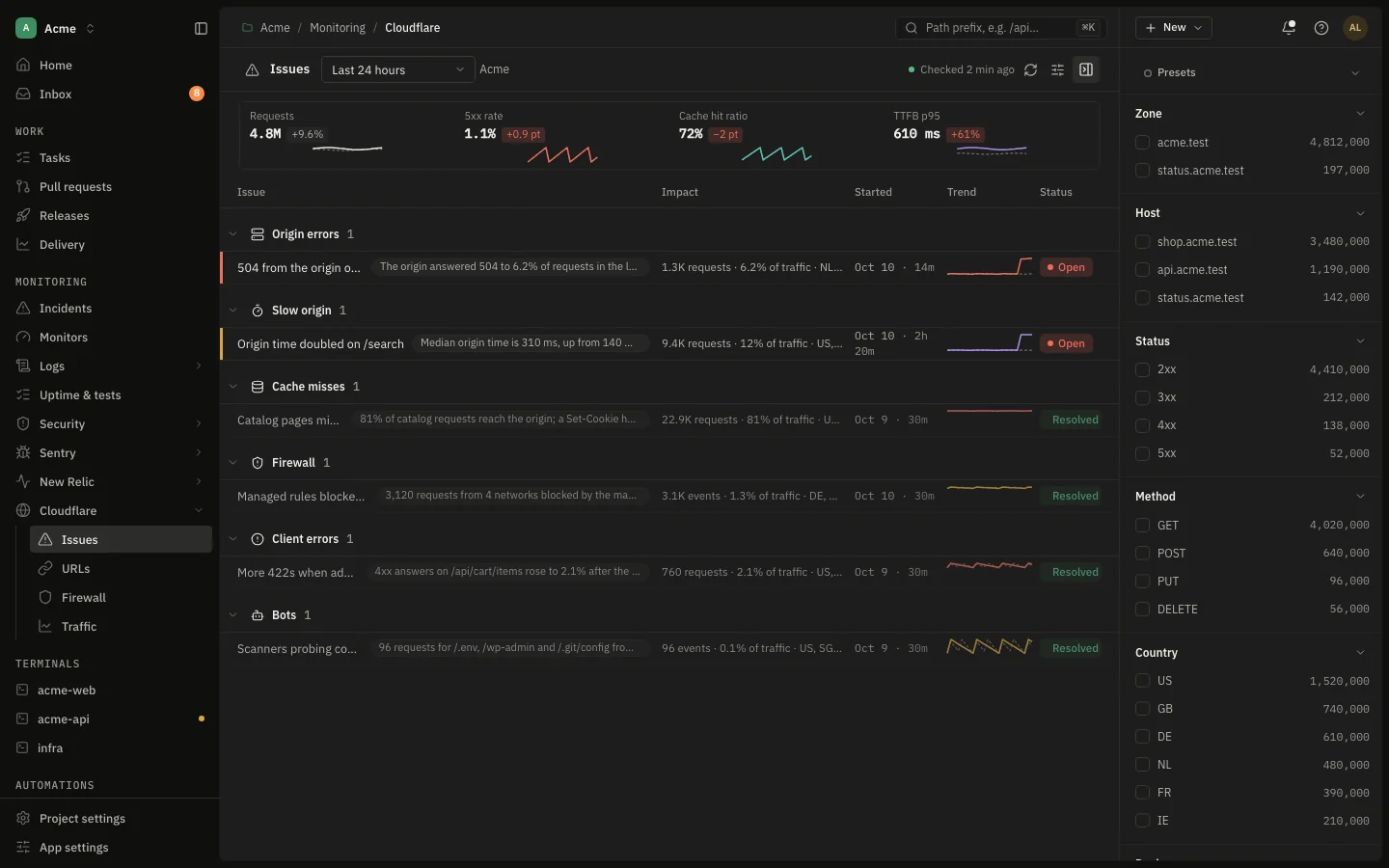
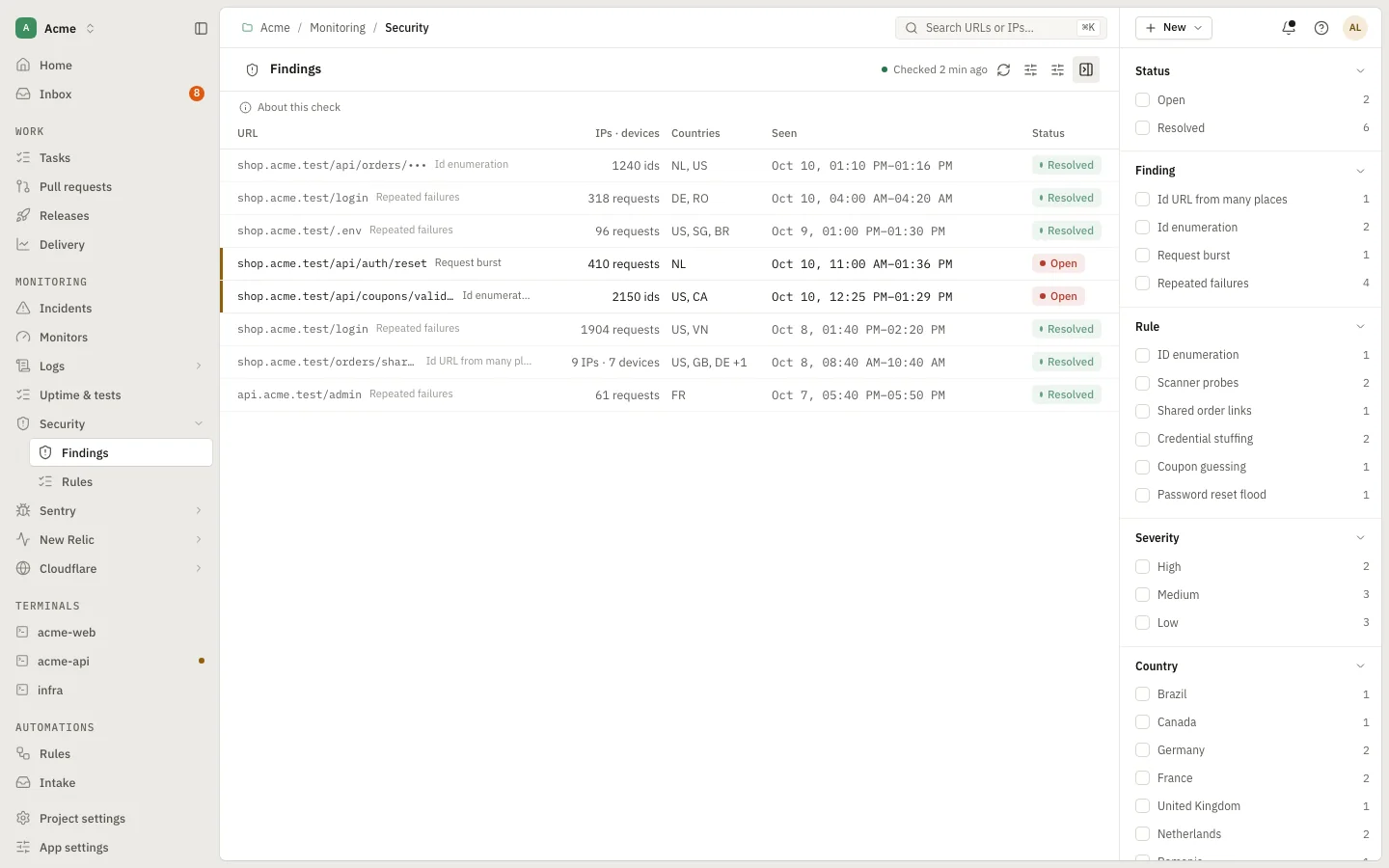
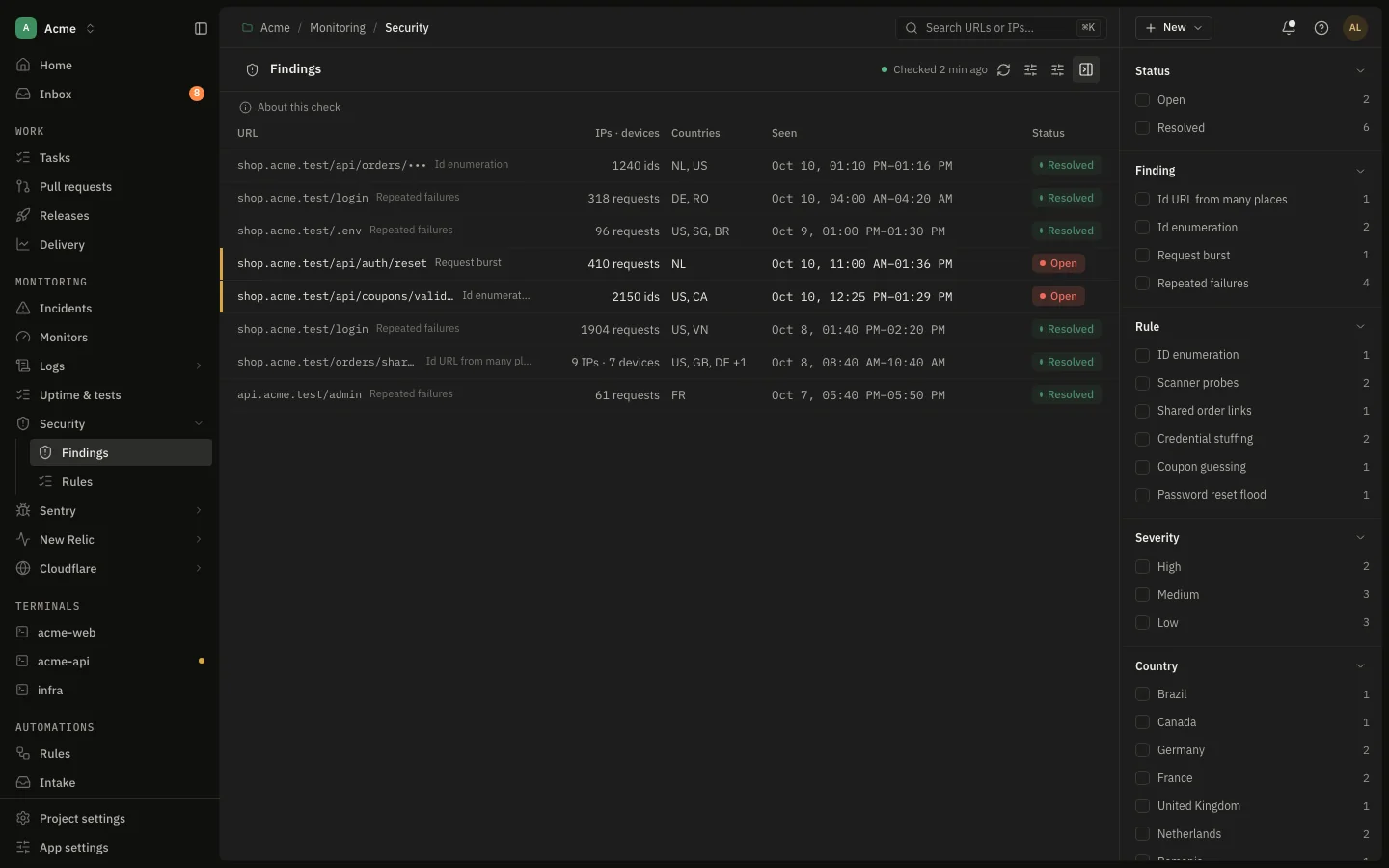
Sentry, New Relic, Cloudflare and Security, read for you.

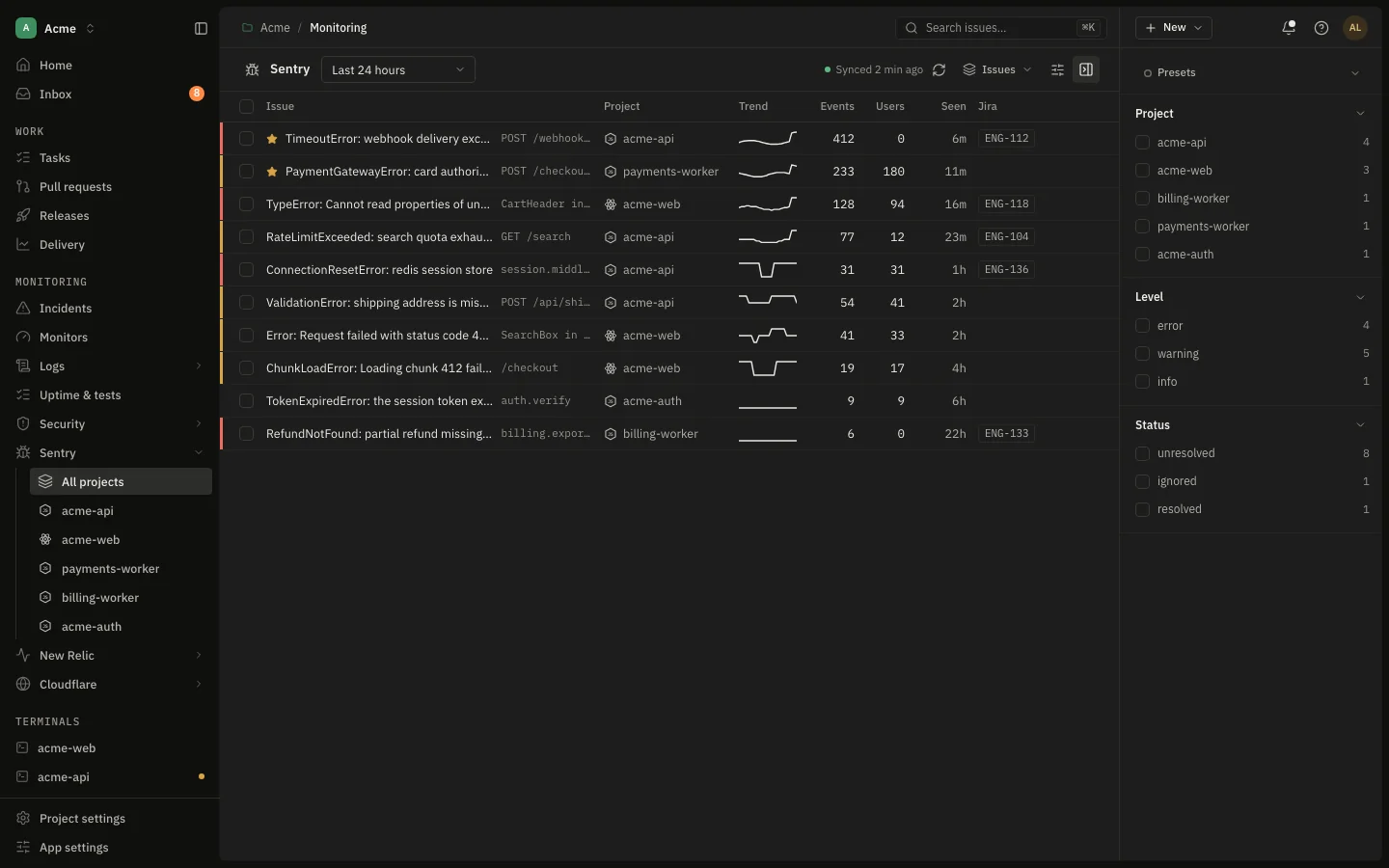
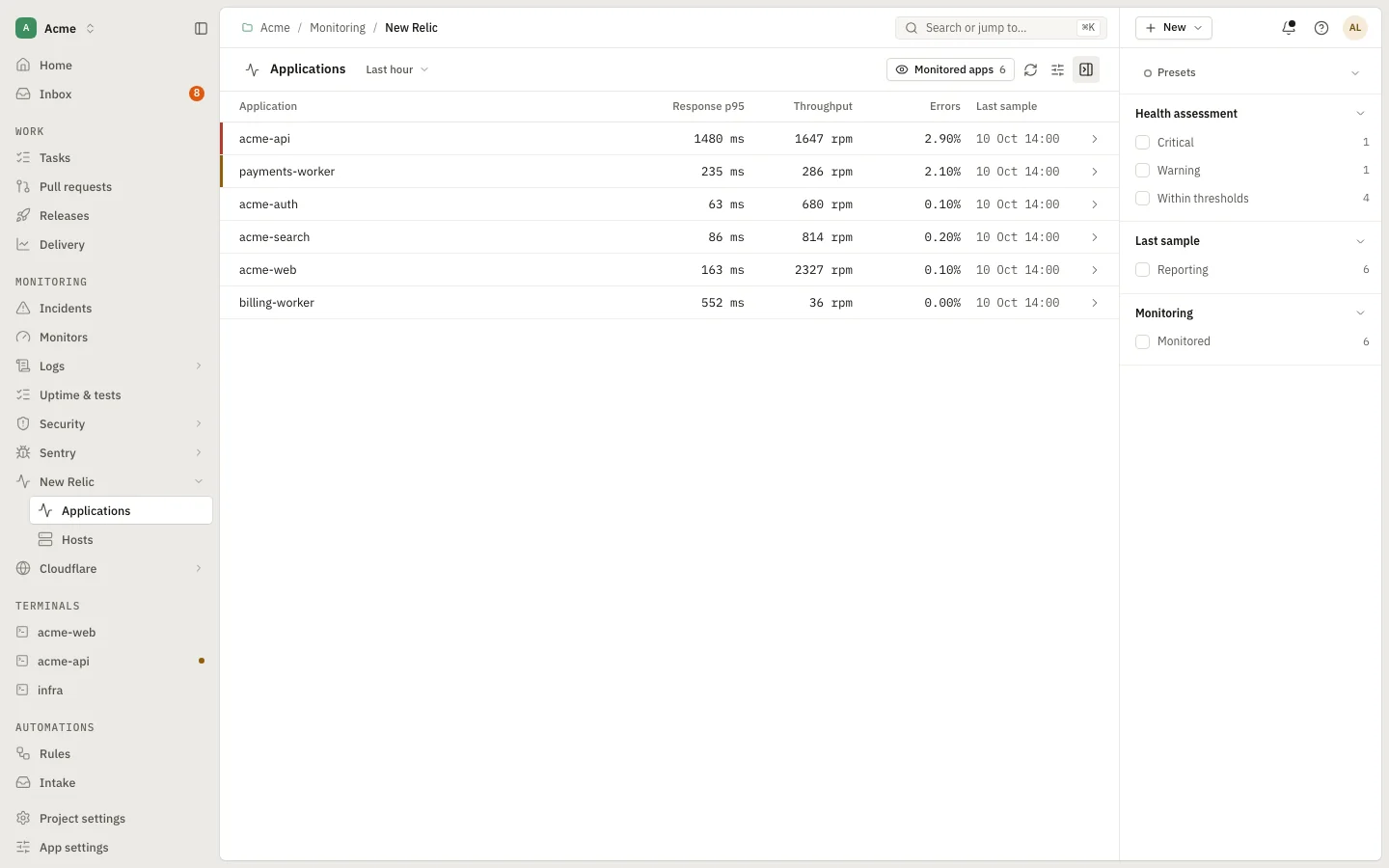
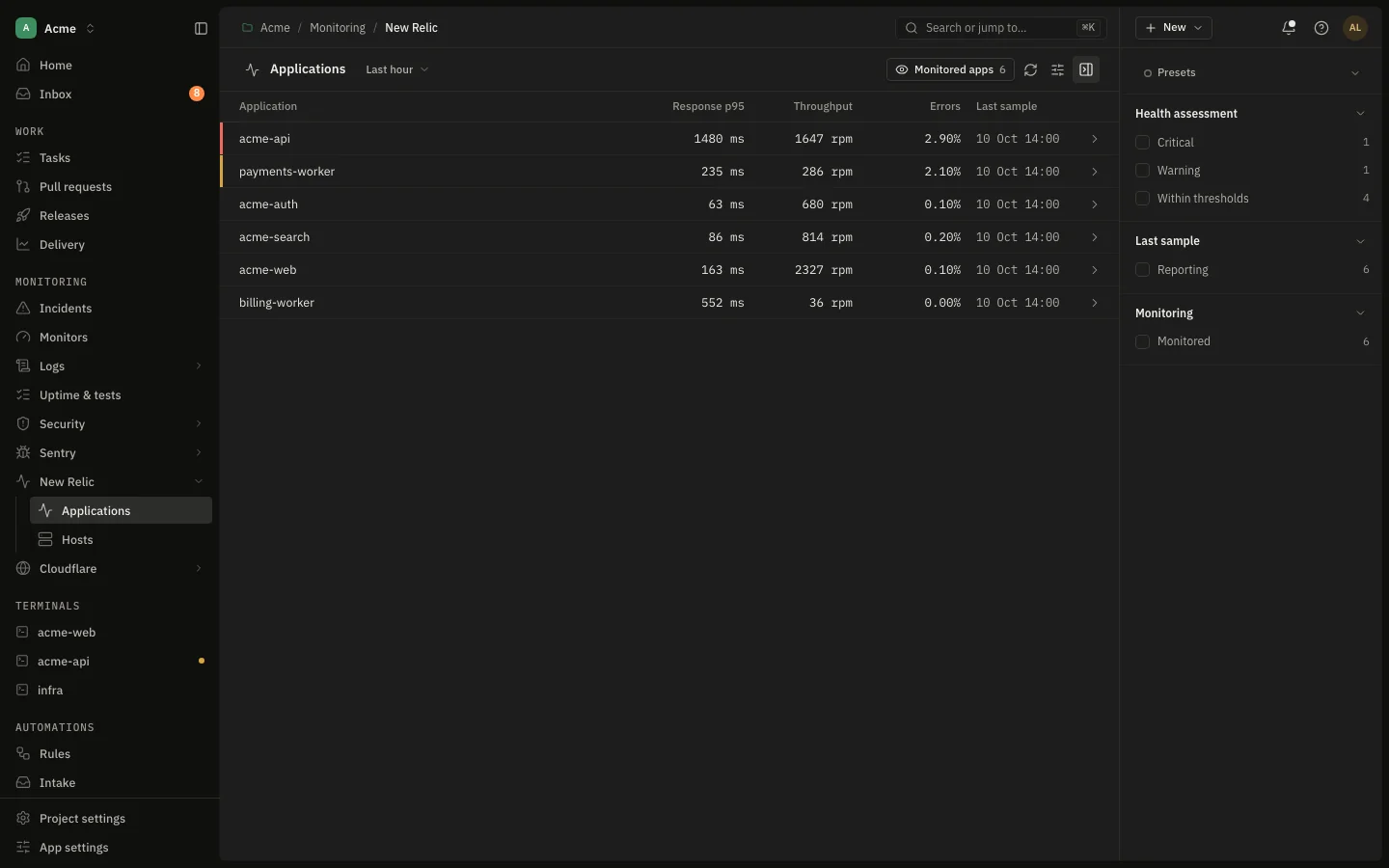
Issues beside the release that shipped them, response time and Apdex with drill-downs, Cloudflare issues, and Security findings from rules you can add, edit and switch off, such as id enumeration or request bursts.

  • Create or link a Jira ticket from a Sentry issue
  • APM overview with transactions, databases and external calls
  • Security rules with their own routes, window and thresholds
app.devdash.pro/acme/monitoring/sentryEnlarge
Sentry
Open in the demo
17:10Everywhere · the issue

“I need the cluster, the containers and a shell.”

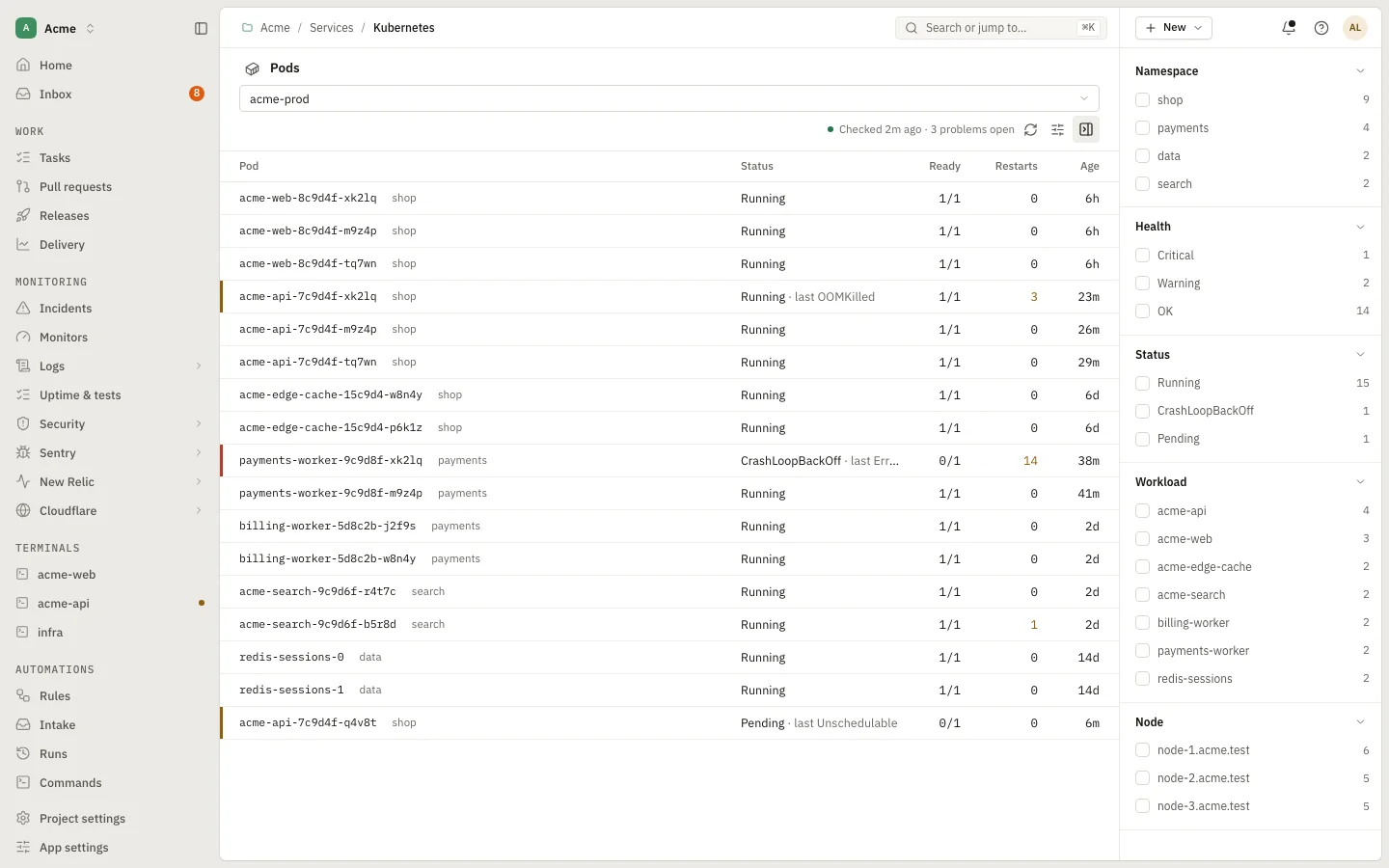
Kubernetes, containers and real terminals.

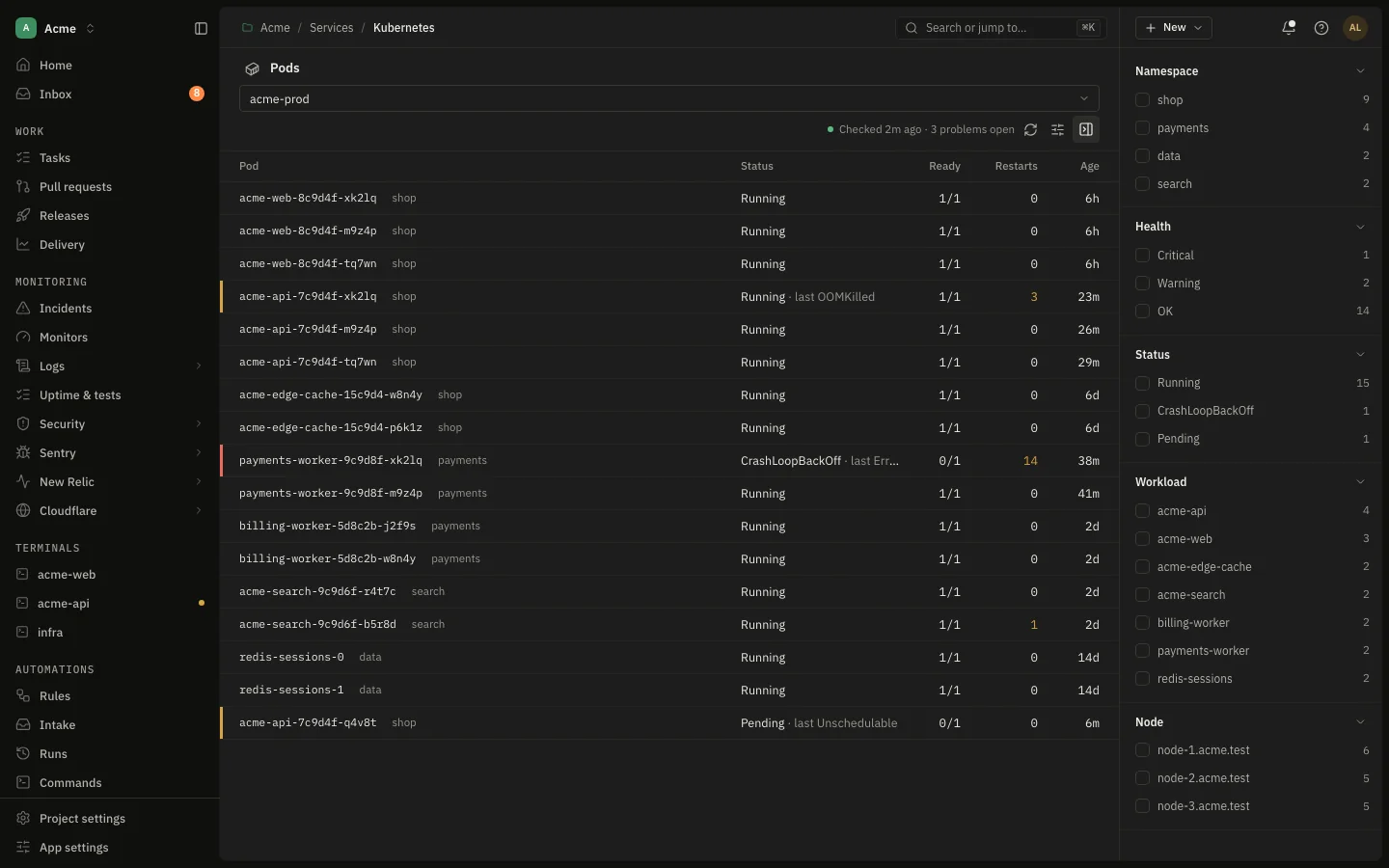
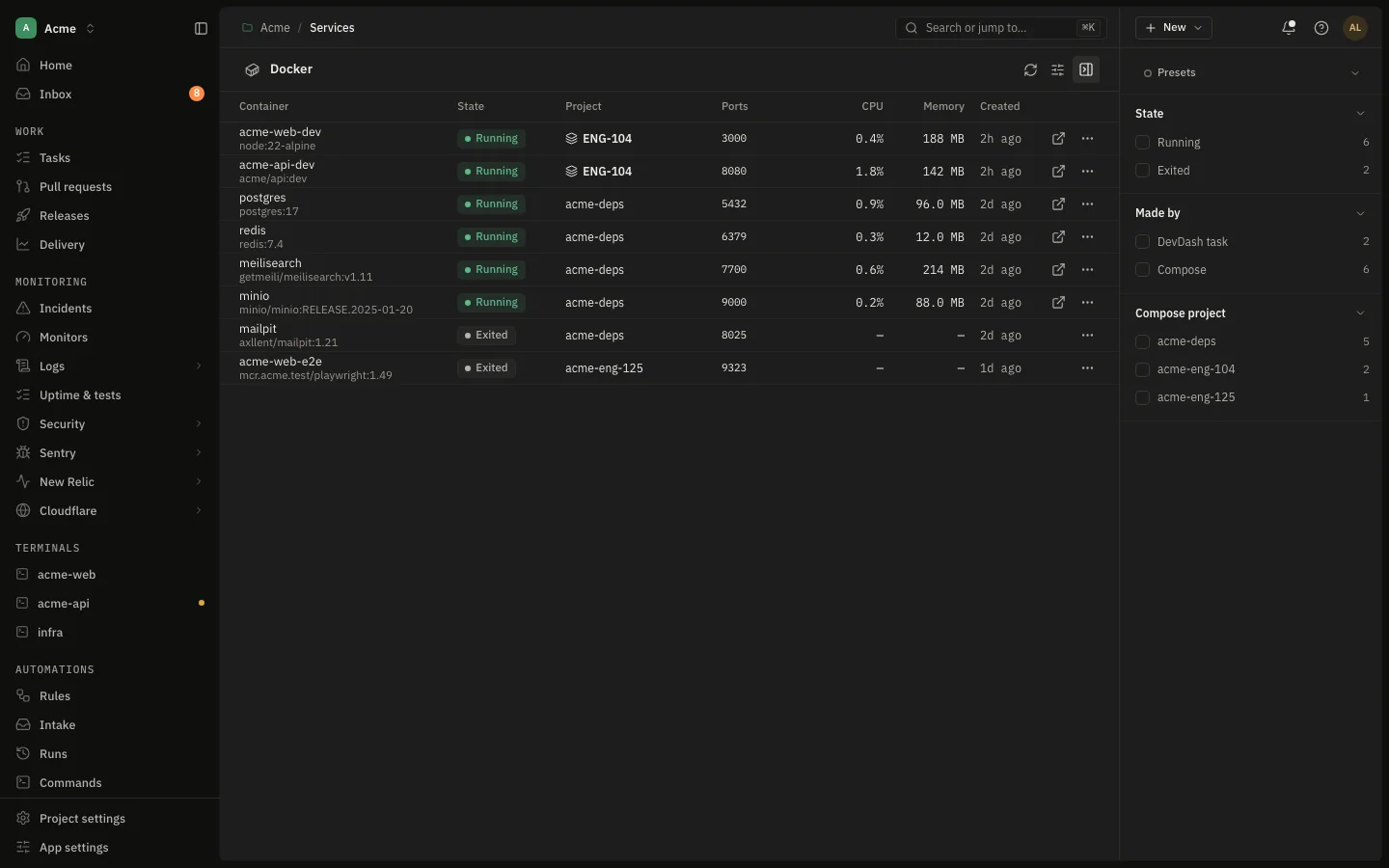
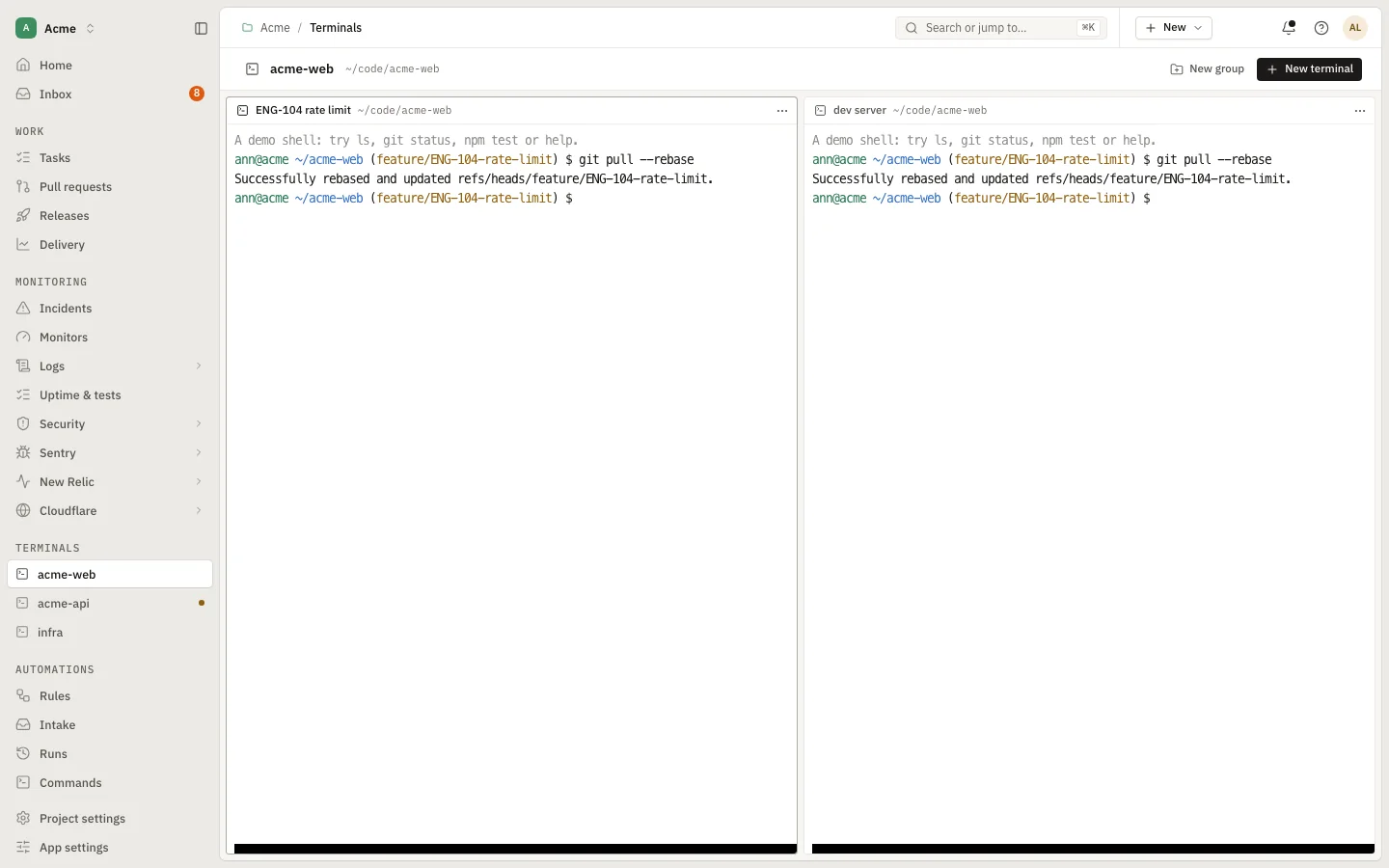
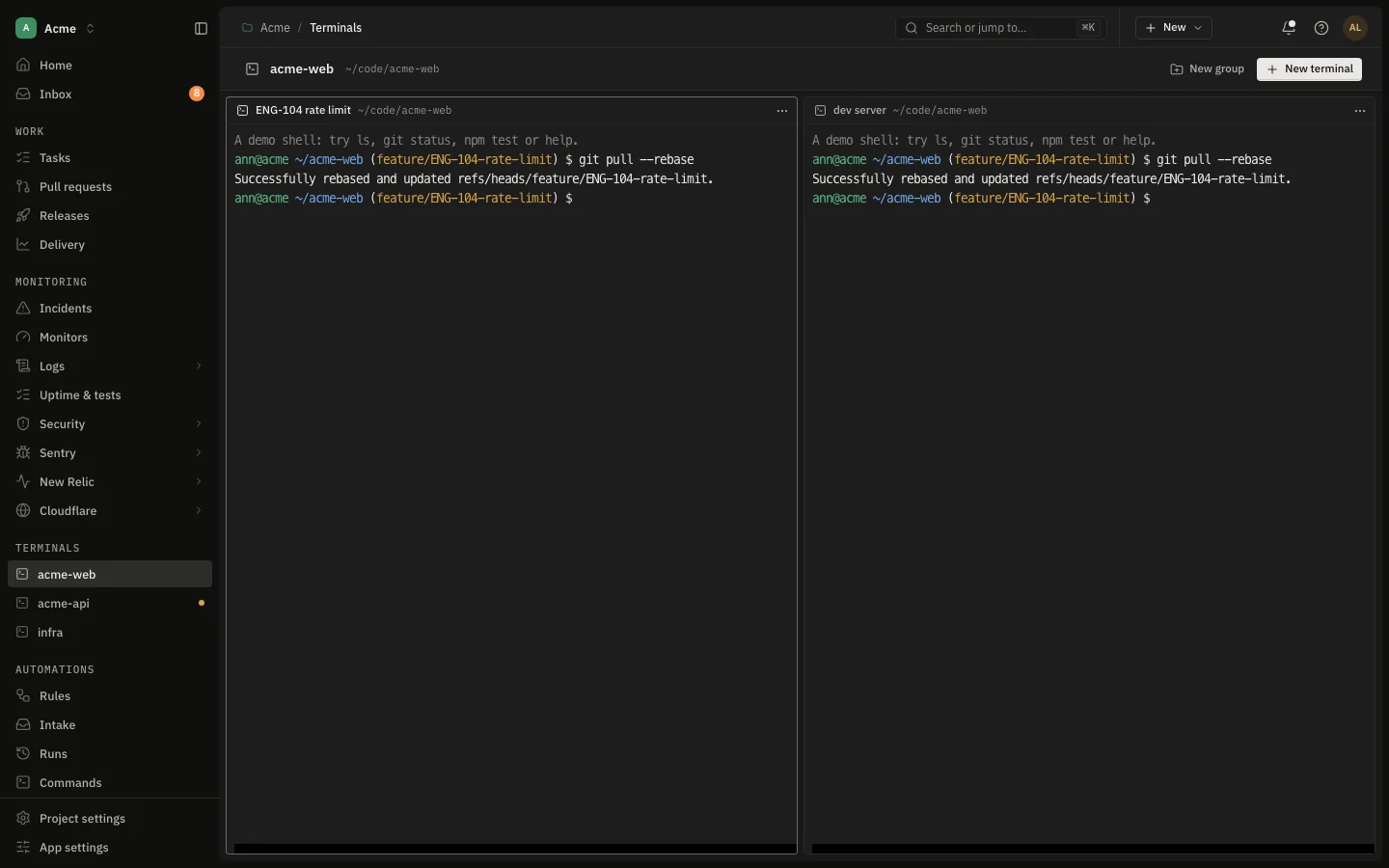
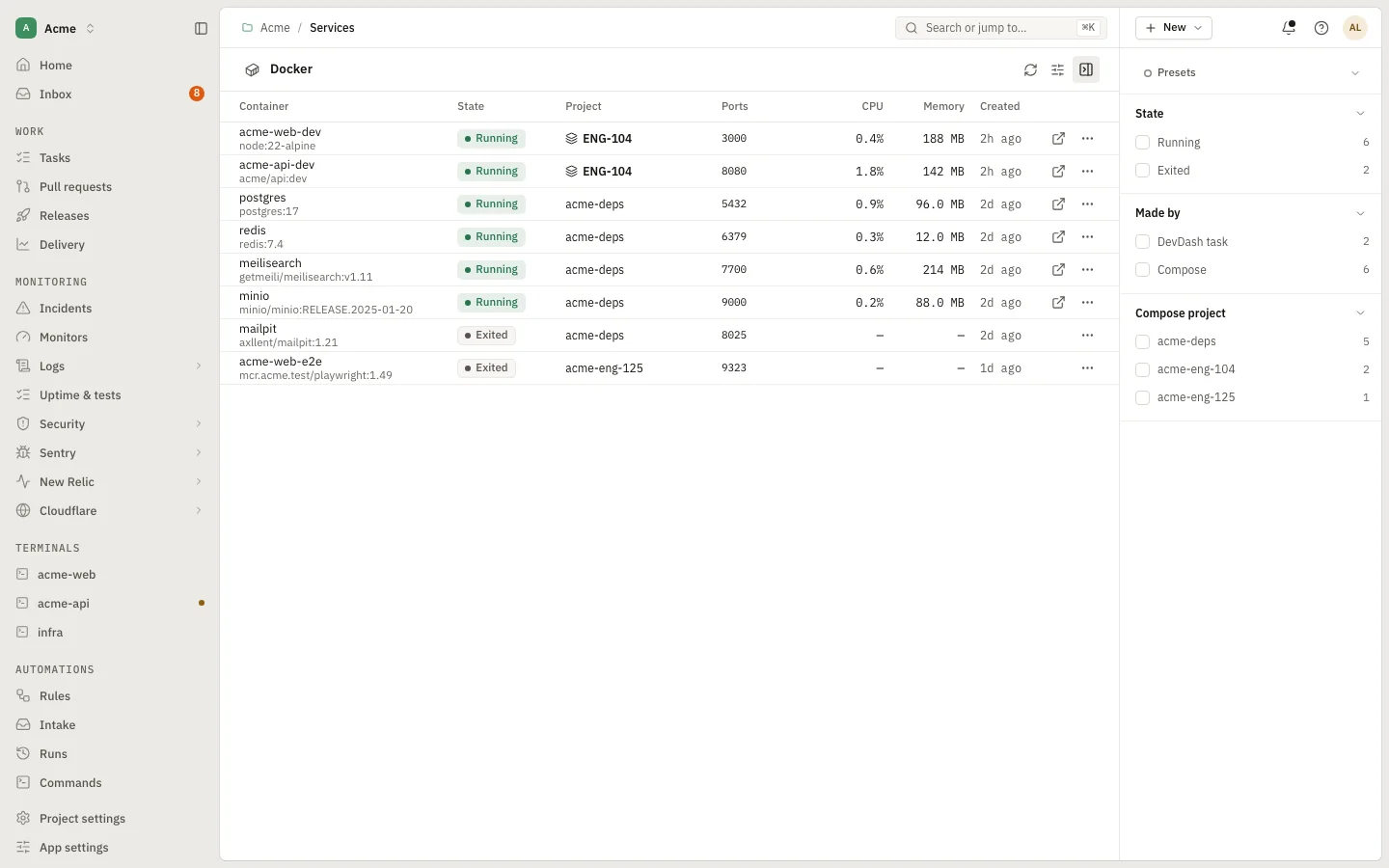
Pods, logs, exec and port forwards for your clusters, local containers and ports, and real terminals in the browser: named groups per project, split panes, shell, Claude Code or Codex profiles. After a restart they reopen where they were.

  • Kubernetes contexts, pods, logs and port forwards
  • Docker containers and local ports to stop
  • Ask for a command in plain words
app.devdash.pro/acme/services/kubernetes/podsEnlarge
Kubernetes
Open in the demo
17:40Everywhere · the issue

“A colleague needs the same setup.”

Hand over a setup, not your credentials.

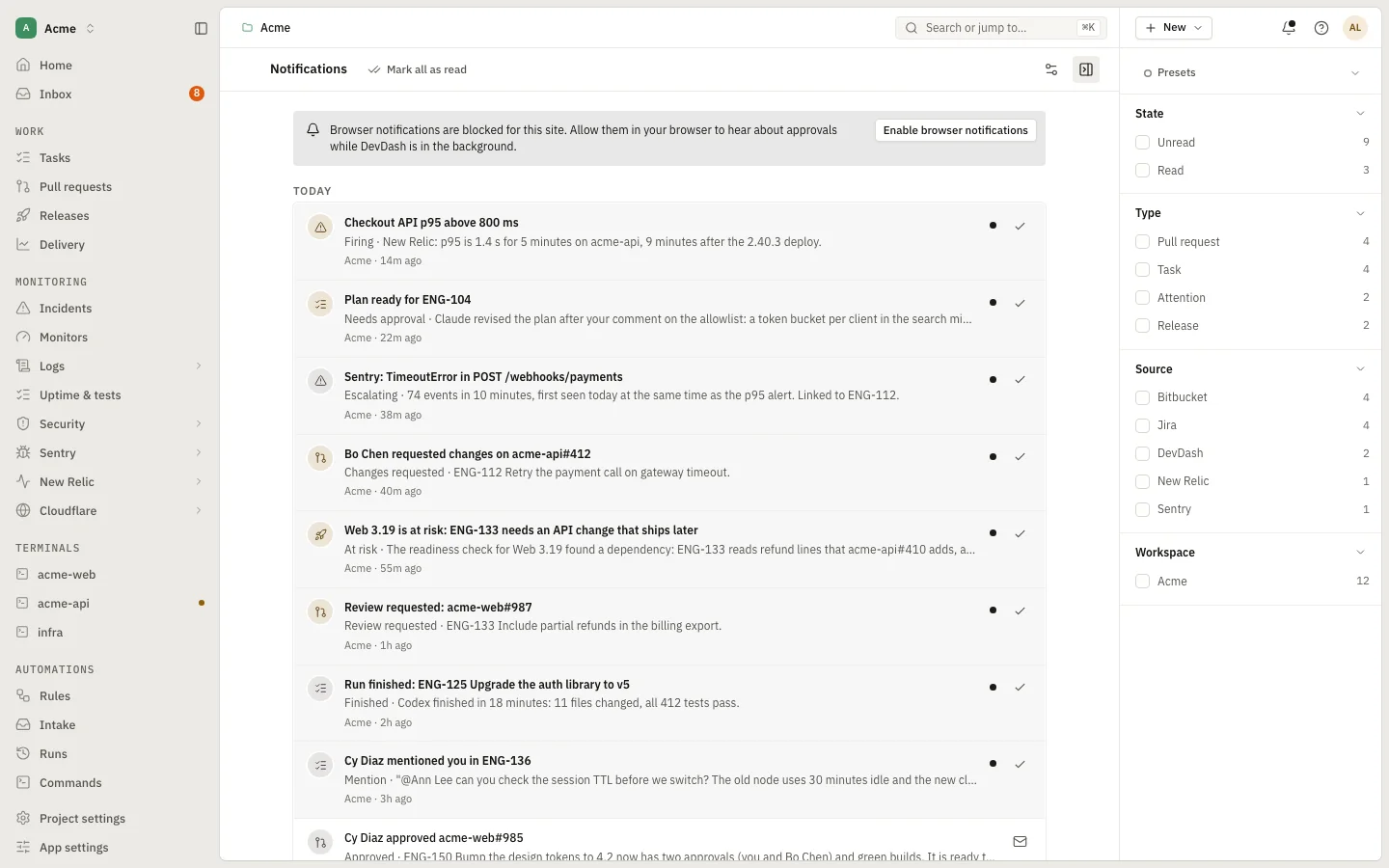
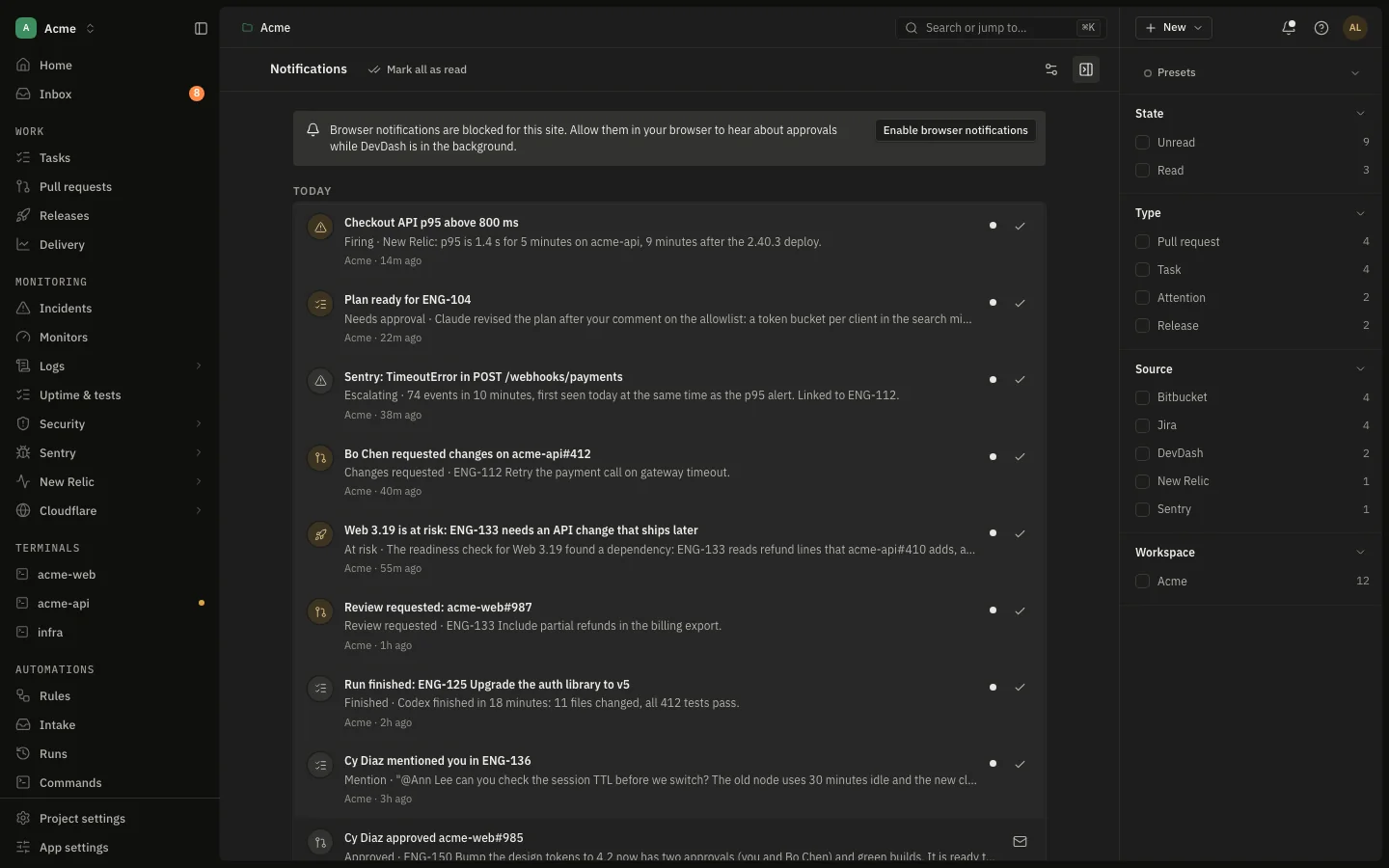
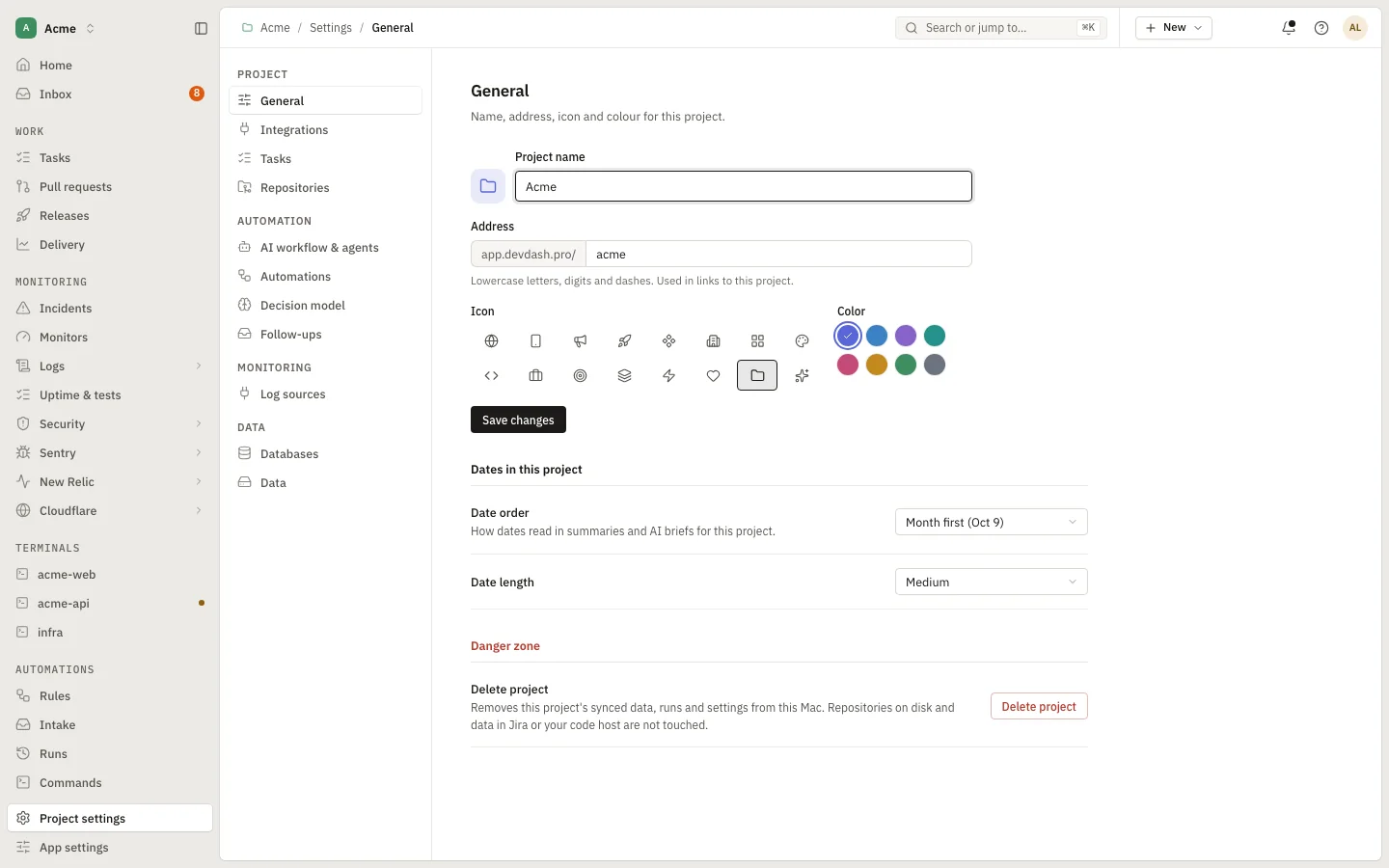
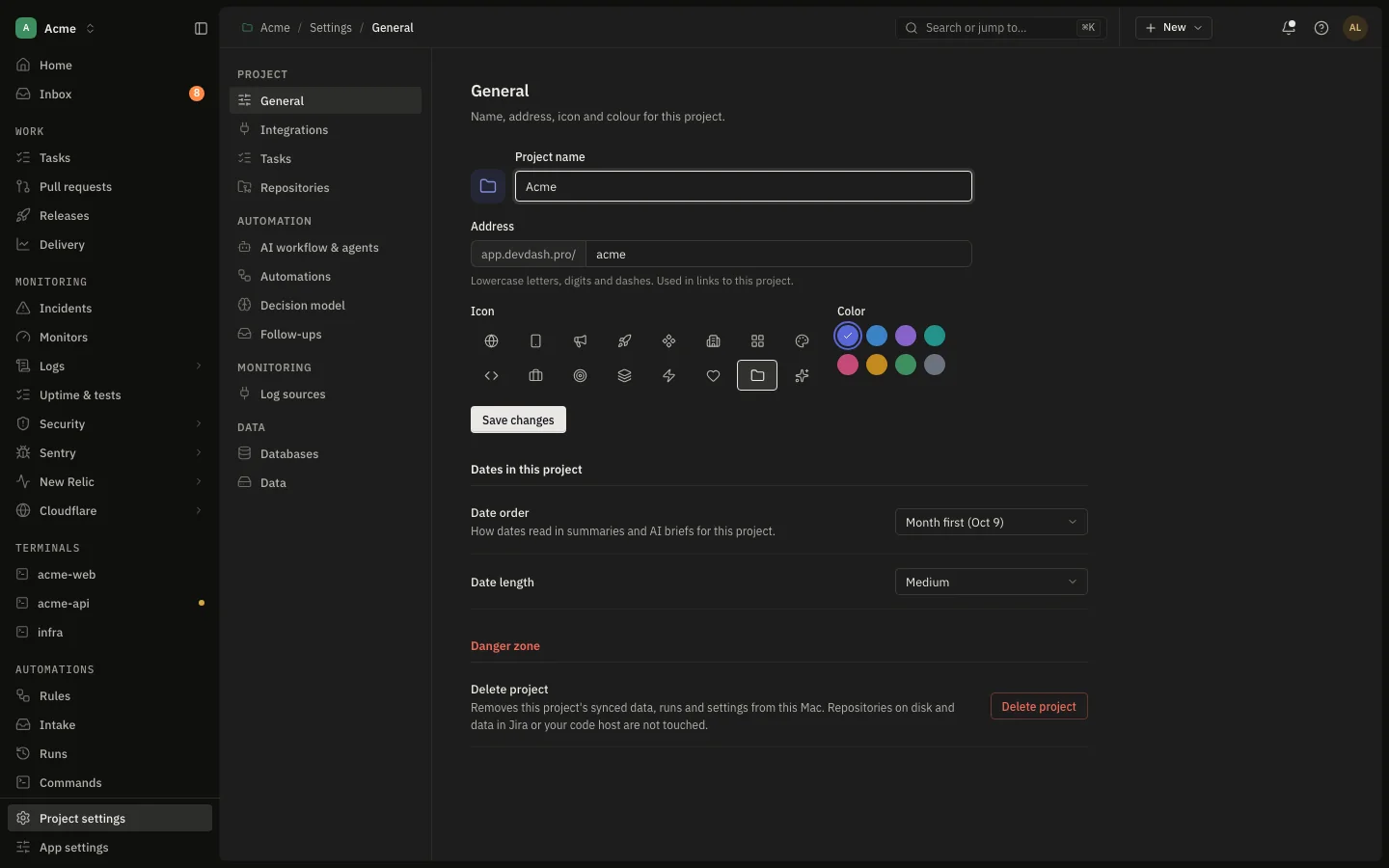
Save a project as an encrypted template for a colleague, or export a backup and restore it on another Mac. Notifications are yours to switch, by type, and Do not disturb holds everything but what is critical.

  • Save as template: integrations, workflows, agents, automations
  • Export and restore, with a key shown once
  • Notification types you can switch, announced once
app.devdash.pro/acme/notificationsEnlarge
Notifications
Open in the demo

Agent runs

Let an agent do the work. Keep the decisions.

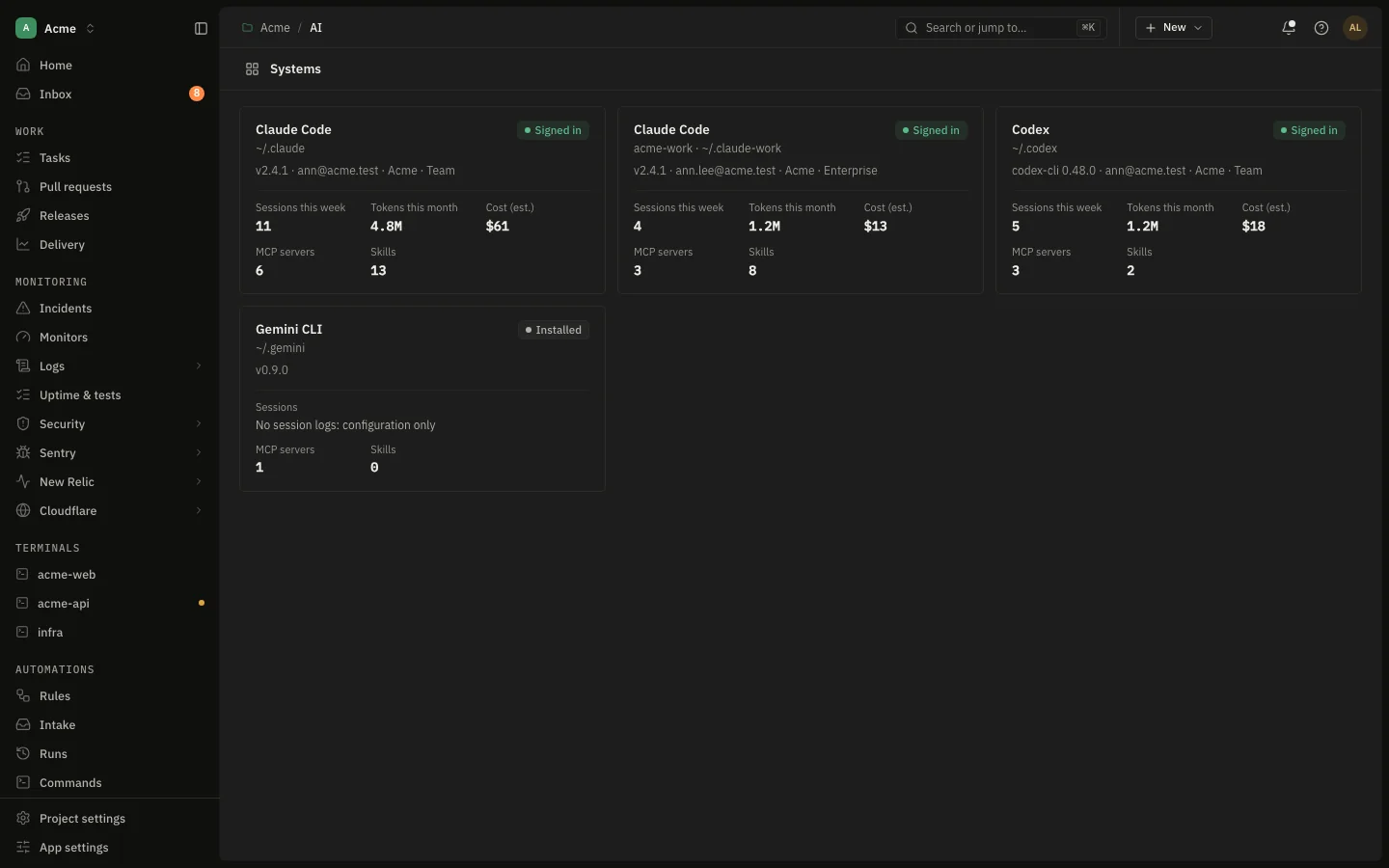
Start work on a ticket and Claude Code or Codex gets its own branch and git worktree. The workflow is yours: which agent runs each step, and which steps wait for your approval.

  1. CriteriaAcceptance criteria drawn from the ticket
  2. PlanYou approve it before anything is written
  3. ImplementIn a worktree, never your checkout
  4. VerifyChecked against the plan and the tests
  5. ReviewSecurity, performance and quality, read-only
  6. PushApprove from the app or your phone

Isolated by design

Each task runs in its own worktree, with setup and teardown commands from the repository's .devdash.yaml. Your working copy is never touched.

Automations

Rules that start on ticket events or on a schedule, with conditions, waits, approvals and agent prompts. Preview what a rule matches before you turn it on.

Approve from anywhere

Approvals can be answered from your phone. A per-run budget cap stops a run that spends more than you allowed.

Chapter 4 · Alone, or a few

Built for the size of team that has no one to run the tools.

If you work alone

One install, your own accounts, and a project per client or product. The agents cover the typing; the inbox and the release drawer cover the remembering.

  • Nothing hosted, nothing to administer
  • A project per client, switched in one click
  • Works offline once opened, against your Mac’s data

If you are a few

Each person installs it and connects their own accounts. Start a colleague from a copy of your setup, and keep the same release gates and workflows.

  • Save as template: setup without credentials, key shown once
  • Per-repository release gates everyone sees the same way
  • Sharing a live project through an encrypted relay is planned

Everything in the app, open in the demo

How it works

A hosted interface. A local service. Nothing in between.

The page at app.devdash.pro is static files. Once it loads, it talks to one place: the devdash service on your own machine, at 127.0.0.1.

How DevDash is put together Static hosting sends the page files to your browser. The browser then talks only to the devdash service on 127.0.0.1 port 9999 over HTTP and WebSocket. The service holds SQLite data, Keychain credentials, git worktrees, agent runs, terminals and automations, and calls Jira, Bitbucket, GitLab, Sentry and New Relic over HTTPS with your tokens. Claude Code and Codex run as local processes. Static hosting app.devdash.pro · files only HTML, CSS, JS Your browser The DevDash interface Paired session token Chrome · Edge · Firefox 127.0.0.1:9999 HTTP + WebSocket devdash service On your Mac · Rust · starts at login SQLite data Keychain Git worktrees Agent runs Terminals Automations ~/Library/Application Support/ com.dgastudio.devdash8 HTTPS spawns Jira Bitbucket · GitLab Sentry · New Relic · Slack Claude Code · Codex local CLI processes How DevDash is put together Static hosting sends page files to your browser. The browser talks only to the devdash service on 127.0.0.1 port 9999. The service holds your data and credentials, and calls Jira, Bitbucket, GitLab, Sentry and New Relic with your tokens. Claude Code and Codex run locally. Static hosting app.devdash.pro · files only HTML, CSS, JS Your browser The interface · a session token only 127.0.0.1:9999 HTTP + WebSocket devdash service On your Mac · starts at login SQLite data Keychain Git worktrees Agent runs Terminals Automations HTTPS spawns Jira Bitbucket · GitLab Sentry · New Relic Slack Claude Code Codex local CLIs
The site is only the interface

app.devdash.pro serves HTML, CSS and JavaScript. It has no accounts, no database and no API of its own, so there is nowhere on our side for your work to go.

The service does the work

devdash syncs your providers, keeps everything in local SQLite, holds tokens in the macOS Keychain, cuts git worktrees and runs agents and terminals as your user.

Fast where it counts

Each screen loads with one request to the service, navigation reuses what is cached, and one WebSocket tells the page exactly what changed.

Privacy and security

Your work stays on your Mac.

The trust boundary is your machine. Here is what crosses it, and what does not.

Loopback only

The service listens on 127.0.0.1, not on your network. It checks the Host and Origin of every request and answers only the DevDash site and local development origins.

Pairing

A browser has to pair before it can read anything. The installer opens the app with a one-time code that works once and expires after two minutes. Sessions are bound to the site that paired them, last eight hours, and can be revoked in Settings.
Keychain

Provider tokens are stored in the macOS Keychain by the service. The browser never holds them; it holds a session token for the local service and nothing else.

No tracking in the app

This website, devdash.pro, counts visits with Google Analytics. The app at app.devdash.pro and the service on your Mac have no analytics and send nothing to DevDash: your providers are called from your Mac with your tokens. Agent runs use the Claude Code or Codex CLI you already have, under its own account and settings.

Install

Three steps.

macOS, Apple silicon or Intel. No sudo, no admin password.

  1. Run the installer

    It puts devdash in ~/.devdash/bin, checks its checksum, and sets it to start at login.

    curl -fsSL https://devdash.pro/install.sh | sh
  2. Allow local access

    The installer opens app.devdash.pro, already paired. Chrome and Edge ask whether the site may reach devices on your local network: allow it, because that is how the page reaches the service.

  3. Create a project

    Name it, connect Jira and your Git host, add repositories and pick an AI workflow. The first sync shows its progress as it runs.

Prefer to read the script first? install.sh is plain text. To remove DevDash later, see Uninstall.

Put your work on one screen.

Install in a minute, no sudo. Or look around the demo first: a fictional company, nothing sent anywhere.

curl -fsSL https://devdash.pro/install.sh | sh

FAQ

Questions

Why a local service?

DevDash does things a web page cannot: it cuts git worktrees, runs Claude Code and Codex as processes, opens real terminals, and keeps tokens in the Keychain. Those need a program on your machine.

Keeping the interface on the web means updates to it need no reinstall, and keeping the data local means there is no DevDash server holding your tickets, code or credentials.

Which browsers work?

Chrome and Edge: the first time the page reaches the service, the browser asks whether app.devdash.pro may access devices on your local network. Choose Allow. If you blocked it, open the site settings from the icon left of the address bar and allow local network access again.

Firefox works without a prompt.

Safari support is limited for now: it can block a secure page from calling http://127.0.0.1. Use Chrome, Edge or Firefox until that is resolved.

Is it macOS only?

Yes, for now. The service uses the macOS Keychain and a LaunchAgent to start at login, and the installer ships a macOS binary for Apple silicon and Intel.

Where is my data?

In ~/Library/Application Support/com.dgastudio.devdash8: one SQLite database per project, plus a registry of projects. Credentials are in the macOS Keychain. Logs are in ~/Library/Logs/DevDash.

If you used the DevDash v8 desktop app, v9 reads the same folder, so your projects and connections carry over.

How do I update?

Run the install command again. It replaces the binary in ~/.devdash/bin and restarts the service; your data is not touched.

The interface at app.devdash.pro updates on its own, because it is a website.

How do I uninstall?

Run devdash uninstall, or curl -fsSL https://devdash.pro/uninstall.sh | sh. Both stop the service, remove the start-at-login entry and delete the binary in ~/.devdash/bin. Your data stays.

To delete the data as well, add --purge: it asks first, then also removes the data folder and every project's saved credentials from the Keychain. The docs show how to do the same by hand.

What does a template contain?

The project's integrations (which account or site, what each syncs), workflows, agents, automations and expectations. It never contains credentials, account ids or folder paths from your Mac.

It is encrypted, and its key is shown once when you save it. Send the file and the key separately. To use it, choose New project → From a template, or Restore in Project settings to apply it to a project you already have.

Can an agent change my code without asking?

Not outside what you set. Runs happen in a separate git worktree, never your checkout. You choose which workflow steps wait for approval, such as the plan and the push, and the review steps run read-only. A per-run budget cap stops a run that spends too much.

Can one release use several repositories?

Yes. In a release's Build tab, each repository that has work in the release is listed with its own production branch and release branch. Scope shows, per issue, whether its pull request reached that repository's release branch, and gates can differ per repository.

Can my team use it?

Each person installs DevDash and connects their own accounts, and a colleague can start from a copy of your project's setup with Save as template (never your credentials). Opening your live project through an end-to-end encrypted relay, as a Viewer, Collaborator or Operator, is planned.